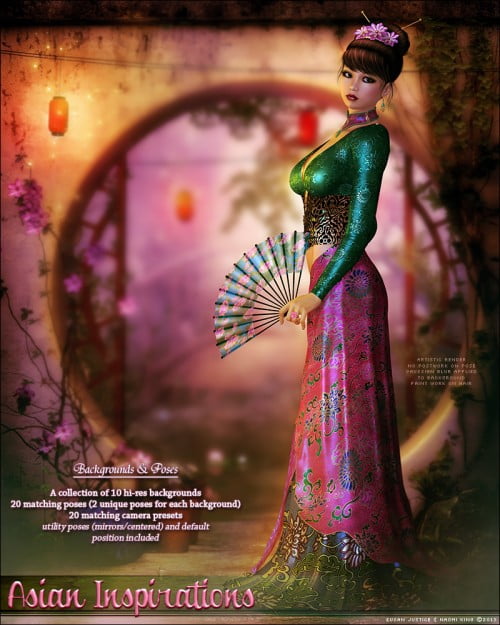

It is so easy to get great results with matching Poses, cameras, and backgrounds! Simply open Poser, import the background of your choice, load V4, use one of the matching poses & cameras, add your lights (adjust your lights easily by selecting them and matching by picking them right out of the background with the eye dropper!), clothes, etc. and render! See included read me for tips on setting up your scene.
Take your art to the next level!
Try the SV Light Helper Tutorial to learn to alter the lighting in your scenes to your liking, and the SV Blending Tutorial to add a bit of shadow and "blend" your characters better with some super easy post work!
**Some body morphs and clothing may cause need for adjustment**