Get your renders out of the brand-new and shiny look of the plastic model and introduce them to a higher level of realism. The MDBD Blood 'n Dirt Bundle includes a Blood 'n Dirt product for Genesis 8 and 8.1 Males, one for Females, and a script that is functioning as a geoshell manager as well, giving you the option to add some Blood 'n Dirt layers to items with one click. All of the maps and masks are at 4096 x 4096 resolution.
- MDBD Blood 'n Dirt for Genesis 8 and 8.1 Females
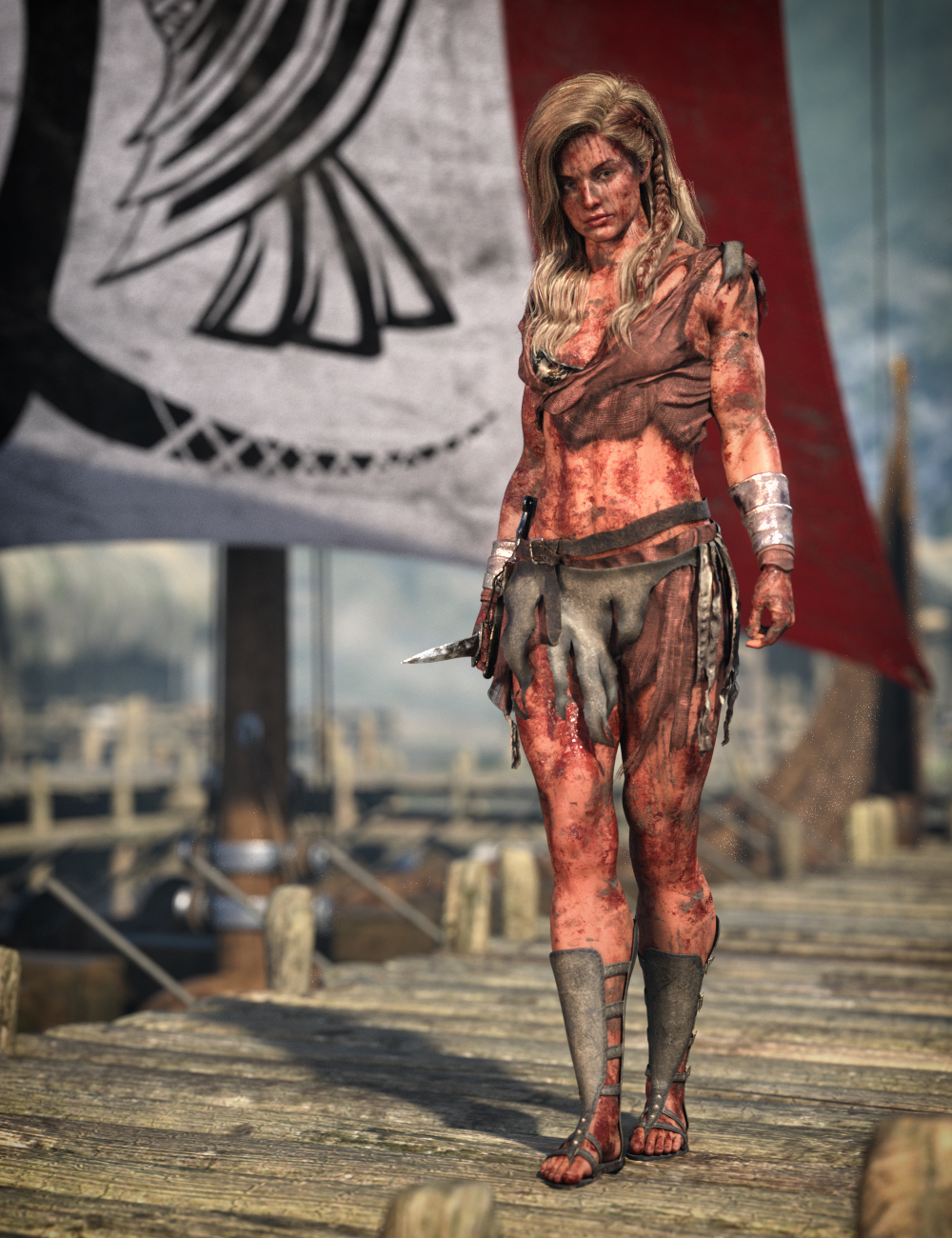
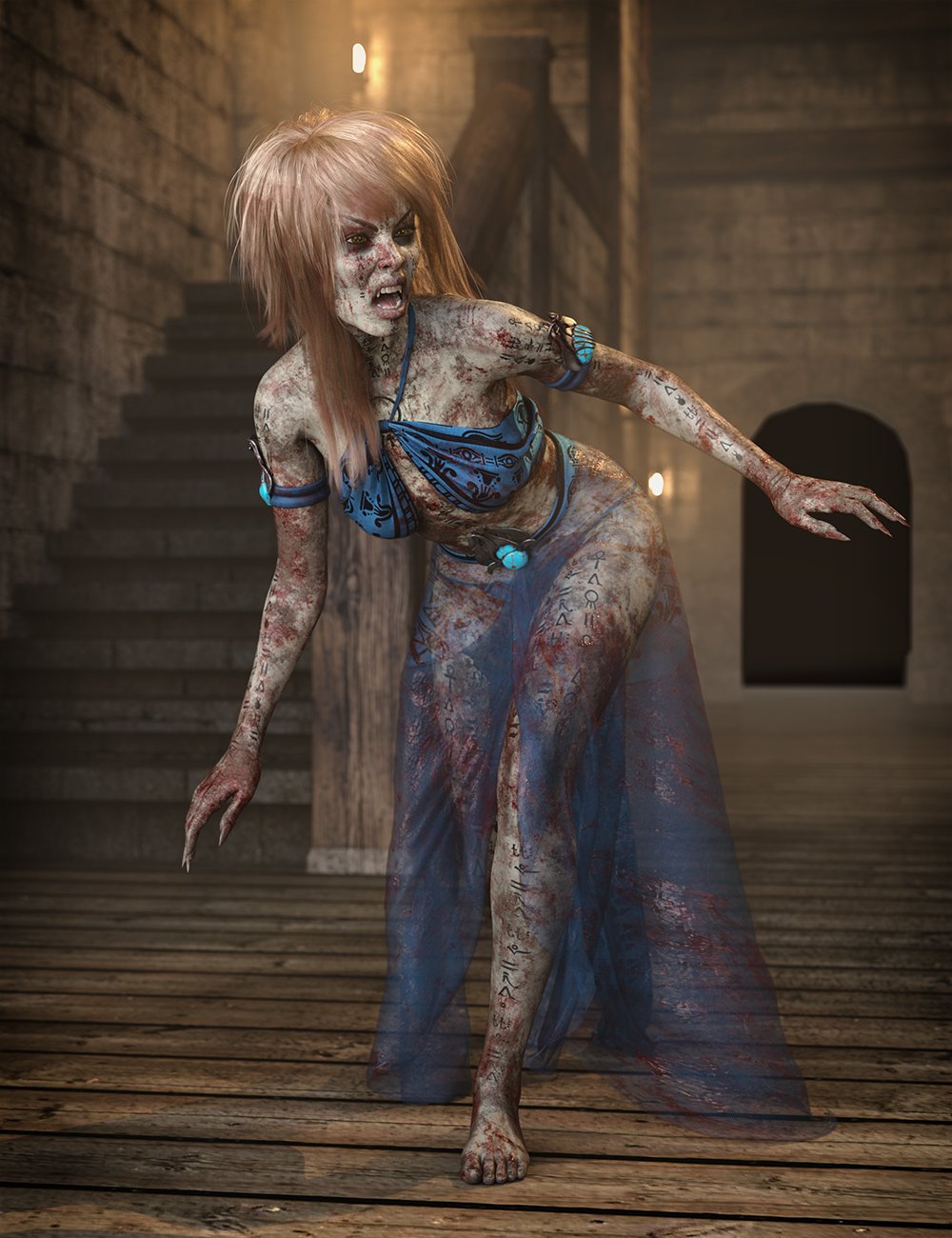
Do your action renders lack realism? Do your warriors seem brand new and shiny and something is missing from the scene? Add blood and dirt layers to your action characters to give them life.
MDBD Blood 'n Dirt for Genesis 8 and 8.1 Females comes with 15 blood and dirt geoshells, 5 materials, and 15 masks with a script to adjust the blood or dirt intensity from 1 up to 5 giving over 250 combinations in total. The blood can be dry, wet, or intermediate. An oil material comes as a bonus with the product. The product will give your figure the look of being fully covered with blood and dirt and not with drops of blood or open-wound blood. All maps and masks are at 4096 x 4096 resolution.
This product cannot be used to add blood and dirt layers to Genesis 8 and 8.1 Males because of the different UVs, or to any clothes and other items. You can achieve these using the counterpart product for Genesis 8 and 8.1 Males and the Blood n Dirt - Geoshell script that is offered as a bundle with this one at a very tempting price.
You can use the product’s geoshells to apply your own shaders like water/sweat, milk, ash, etc., giving your figure the look of rain-wet, sweaty, or volcano ash-covered, etc. It is time to give your action figures the dirty look they deserve.
- MDBD Blood 'n Dirt for Genesis 8 and 8.1 Females (.DUF)
- Apply Blood 01 on Genesis 8 Female
- Apply Blood 02 on Genesis 8 Female
- Apply Blood 03 on Genesis 8 Female
- Apply Blood 04 on Genesis 8 Female
- Apply Blood 05 on Genesis 8 Female
- Apply Dirt 01 on Genesis 8 Female
- Apply Dirt 02 on Genesis 8 Female
- Apply Dirt 03 on Genesis 8 Female
- Apply Dirt 04 on Genesis 8 Female
- Apply Dirt 05 on Genesis 8 Female
- Apply Special 01 on Geneis 8 Female
- Apply Special 02 on Geneis 8 Female
- Apply Special 03 on Geneis 8 Female
- Apply Special 04 on Geneis 8 Female
- Apply Special 05 on Geneis 8 Female
- Blood Geoshell for Genesis 8 Female
- Dirt Geoshell for Genesis 8 Female
- Special Geoshell for Genesis 8 Female
- Material Options:
- Blood 01 Genesis 8 Female
- Blood 02 Genesis 8 Female
- Blood 03 Genesis 8 Female
- Blood 04 Genesis 8 Female
- Blood 05 Genesis 8 Female
- Blood Dry Genesis 8 Female
- Blood Intermediate Genesis 8 Female
- Blood Wet Genesis 8 Female
- Dirt 01 Genesis 8 Female
- Dirt 02 Genesis 8 Female
- Dirt 03 Genesis 8 Female
- Dirt 04 Genesis 8 Female
- Dirt 05 Genesis 8 Female
- All Blood Dry Genesis 8 Female
- All Blood Intermediate Genesis 8 Female
- All Blood Wet Genesis 8 Female
- All Dirt Genesis 8 Female
- All Oil Genesis 8 Female
- Mask Blood 01 on Genesis 8 Female
- Mask Blood 02 on Genesis 8 Female
- Mask Blood 03 on Genesis 8 Female
- Mask Blood 04 on Genesis 8 Female
- Mask Blood 05 on Genesis 8 Female
- Mask Dirt 01 on Genesis 8 Female
- Mask Dirt 02 on Genesis 8 Female
- Mask Dirt 03 on Genesis 8 Female
- Mask Dirt 04 on Genesis 8 Female
- Mask Dirt 05 on Genesis 8 Female
- Mask Special 01 on Genesis 8 Female
- Mask Special 02 on Genesis 8 Female
- Mask Special 03 on Genesis 8 Female
- Mask Special 04 on Genesis 8 Female
- Mask Special 05 on Genesis 8 Female
- Scripts:
- Set Intensity (Not for Specials)
- How to use the product
- Textures Include:
- 70 Texture, Metallic, Glossiness, Specular, Roughness, Height, Normal and OtherMaps (All Maps are 4096 x 4096)
- Daz Studio Iray Material Presets (.DUF)
- This product includes:
- 1 DSON Core Installer
- MDBD Blood 'n Dirt for Genesis 8 and 8.1 Females (.DUF)
- MDBD Blood 'n Dirt - Geoshell Manager
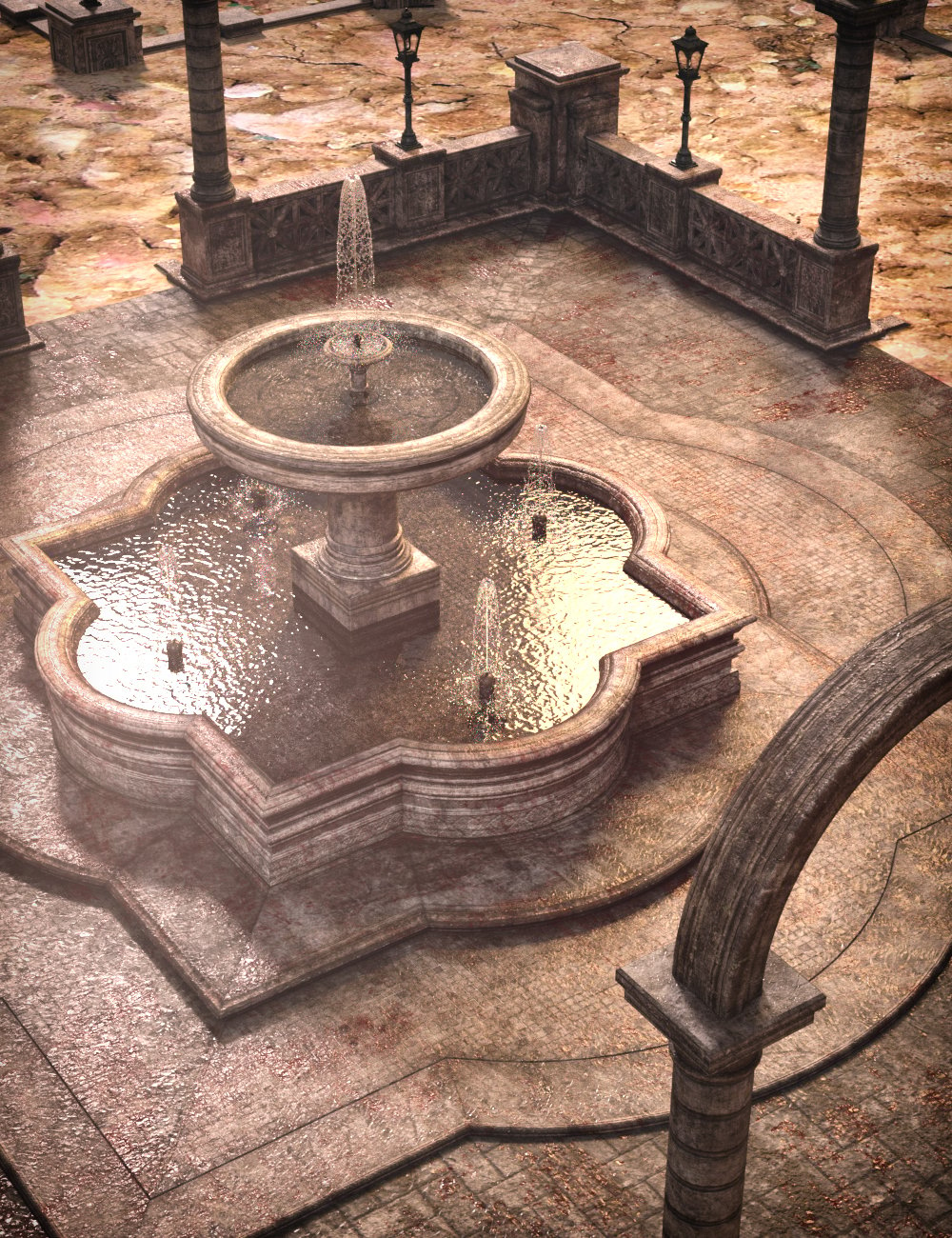
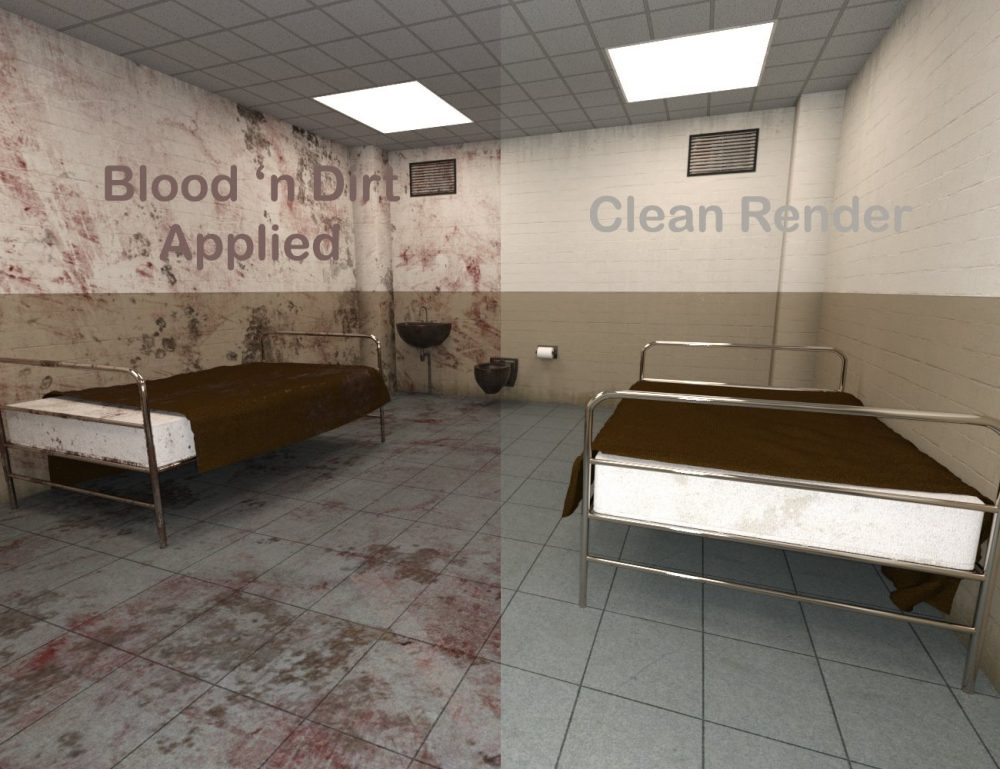
Welcome to the MDBD Blood 'n Dirt - Geoshell Manager by MikeD! The original idea for this script was to function as a helper in the Blood 'n Dirt product series to apply Blood 'n Dirt shaders to any item other than Genesis figures, like props and clothes, creating geoshells with just a few clicks. It turned out to be a very strong and independent script, ideal for geoshells management. In its final form, you can use it not only to apply the default Blood 'n Dirt shaders to any item in the scene, but you can also add your own shaders or shortcuts to your purchased shaders in order to enrich your library.
The product includes 15 masks (to hide parts of your geoshells) for your shaders, but you can also add new masks to your collection. The product also includes 2 additional scripts that allow you to create shortcuts (.djl files) in a really fast way, without the need to write any code on your own. The script allows you to add new geoshells on the selected items with a single click of a button, to set the offset of the existing or the new shells, to apply masks to your shaders, to delete geoshells, to resolve any offset conflicts, to distribute the existing geoshells equally, and to add tiling for your maps using a right-click pop-up menu, with just a single click needed for each of those actions. Of course, when creating new geoshells, these parameters can be set all at once, following the settings instructions.
The product can be used even without executing any script. The shaders, the masks, and the tiling function also exist as standalone assets so you can use them on your products independently. The product includes a bonus Oil Shader.
Beware that the product uses general maps for any random item and, therefore, you may see breaks in the line of the UV seams. The product is ideal if you want to add blood and dirt layers on your props, items, or clothes, but it is not suitable for the Genesis figures and especially for close-up renders. In this case, it is advisable to use the specialized products Blood 'n Dirt for Genesis 8 or 8.1 Males and/or Blood 'n Dirt for Genesis 8 or 8.1 Females. Of course, the script can manage the geoshells that have been made with the above programs.
- MDBD Blood 'n Dirt for Genesis 8 and 8.1 Males
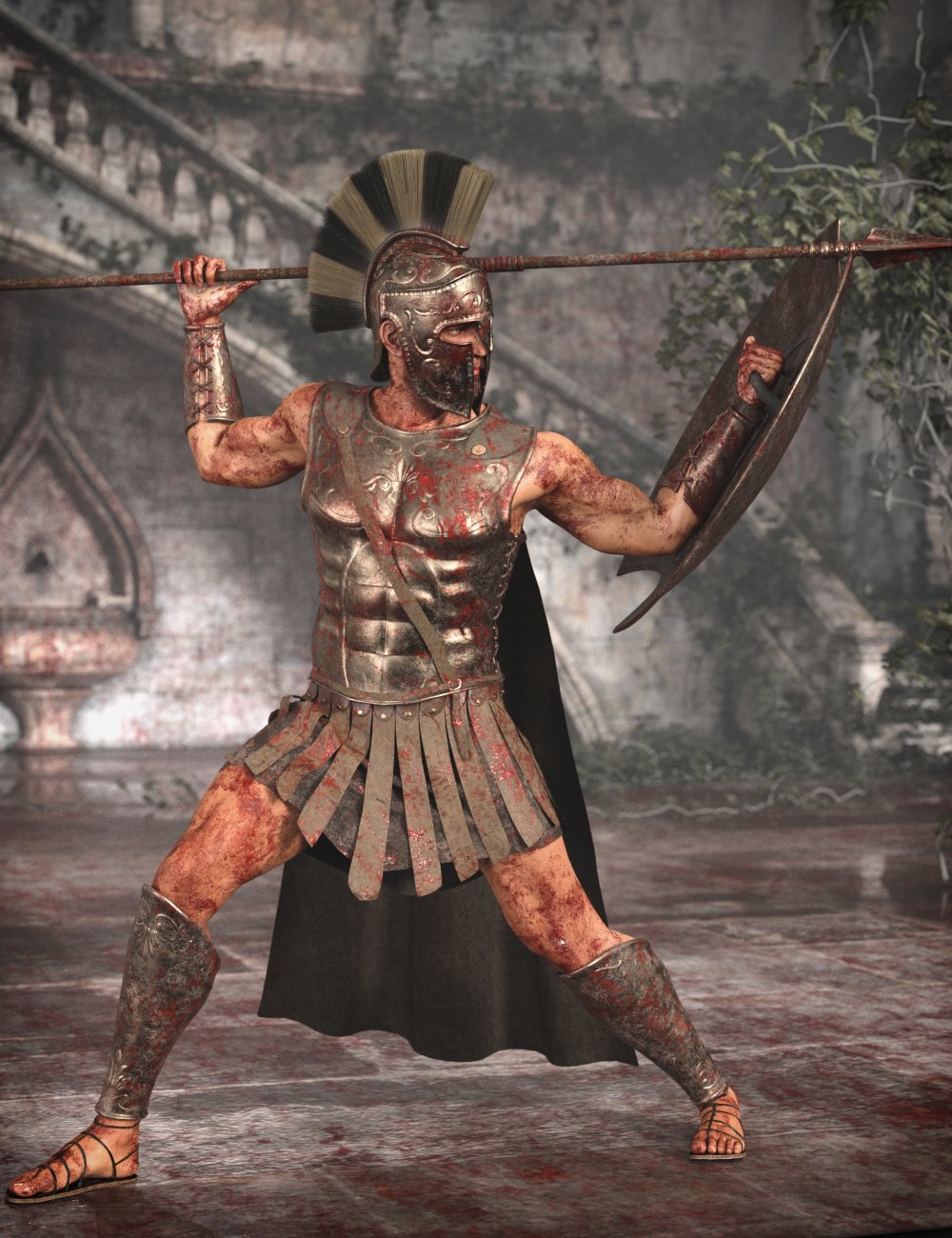
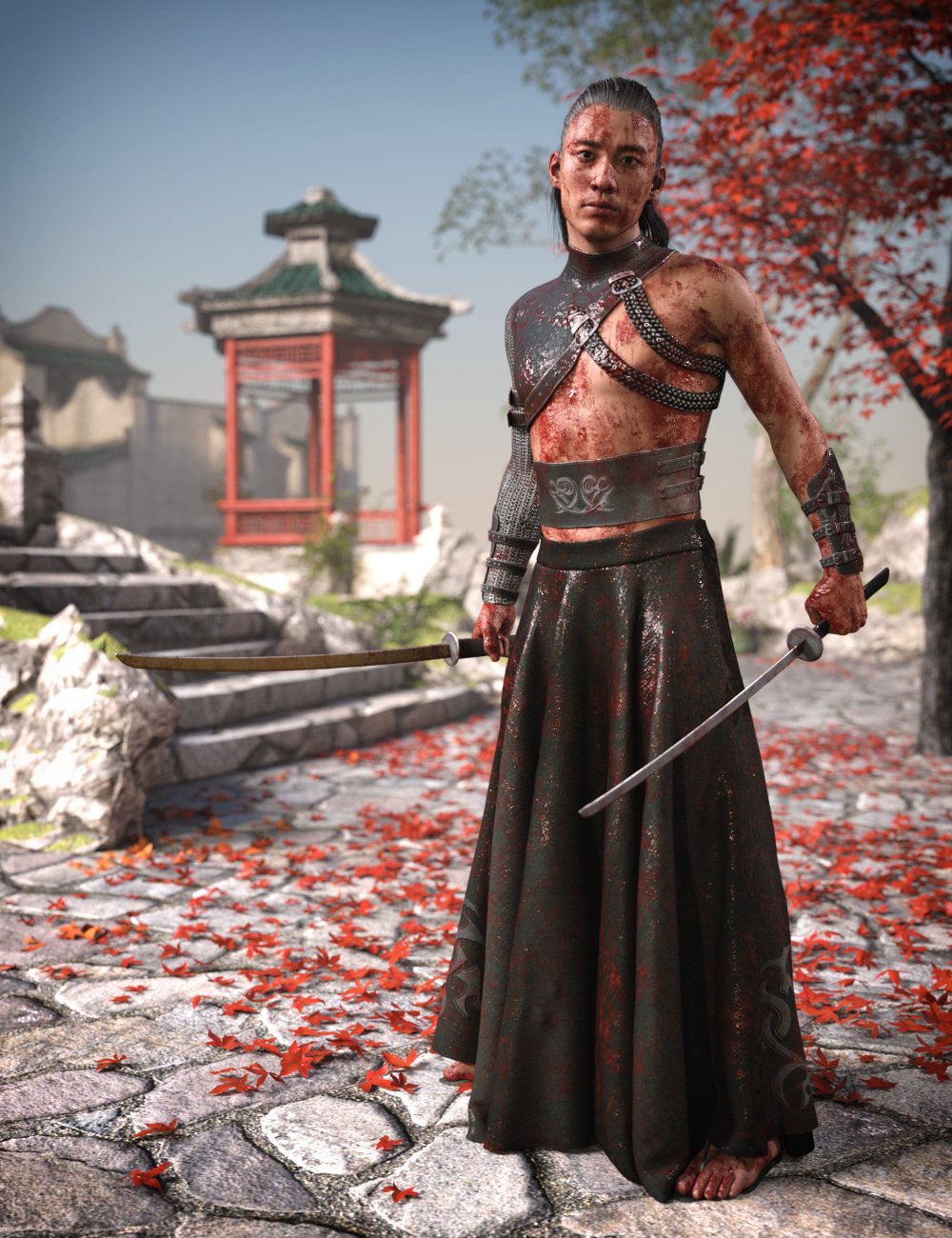
Do your action renders lack realism? Do your warriors seem brand new and shiny and something is missing from the scene? Add blood and dirt layers to your action characters to give them life.
MDBD Blood 'n Dirt for Genesis 8 and 8.1 Males come with 15 blood and dirt geoshells, 5 materials, and 15 masks with a script to adjust the blood or dirt intensity from 1 up to 5 giving over 250 combinations in total. The blood can be dry, wet, or intermediate. An oil material comes as a bonus with the product. The product will give your figure the look of being fully covered with blood and dirt and not with drops of blood or open-wound blood. All maps and masks are at 4096 x 4096 resolution.
This product cannot be used to add blood and dirt layers to Genesis 8 and 8.1 Females because of the different UVs, or to any clothes and other items. You can achieve these using the counterpart product for Genesis 8 and 8.1 Females and the Blood n Dirt - Geoshell script that is offered as a bundle with this one at a very tempting price.
You can use the products geoshells to apply your own shaders like water/sweat, milk, ash, etc., giving your figure the look of rain-wet, sweaty, or volcano ash-covered, etc. It is time to give your action figures the dirty look they deserve.