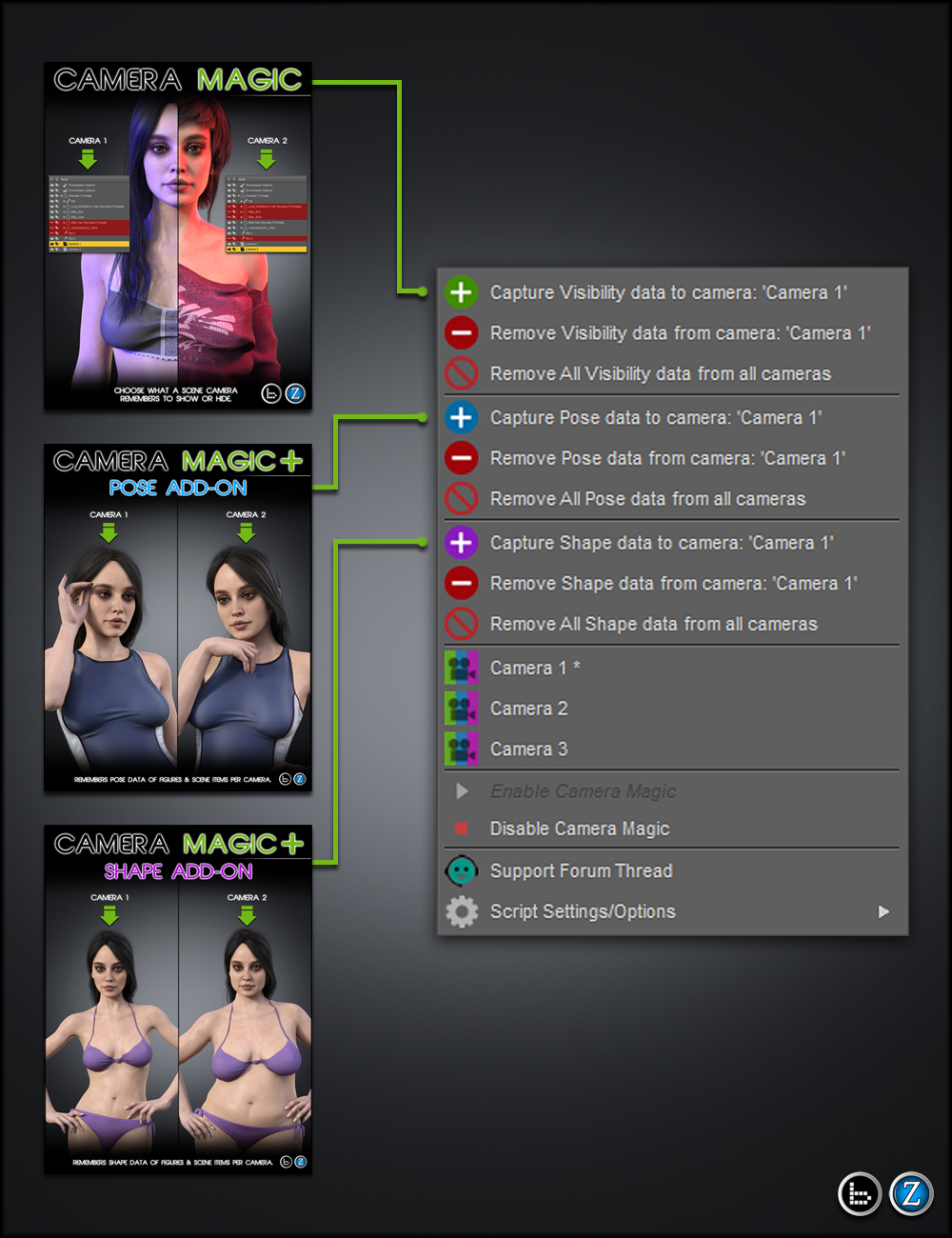
Introducing Camera Magic Bundle, the ultimate time saver in storytelling and scene setup. With this bundle, you now can have your scene cameras remember what is visible or hidden, and what pose or shape data is stored.
Show or hide different lights, clothing, characters, or even different environment objects that will only show on the camera you choose.
Change the pose or shape of your character or on items such as clothing/hair if you wish.
The possibilities for new workflows are endless.
No need to save multiple scenes to avoid changing what you like, simply save one scene with multiple cameras.
Please view promos of each included product for more detail.
What is included:
Camera Magic Base script (Options also visible in Plus)
Remembers visibility data on what is hidden or visible in the scene.Camera Magic Plus - Pose Add-on
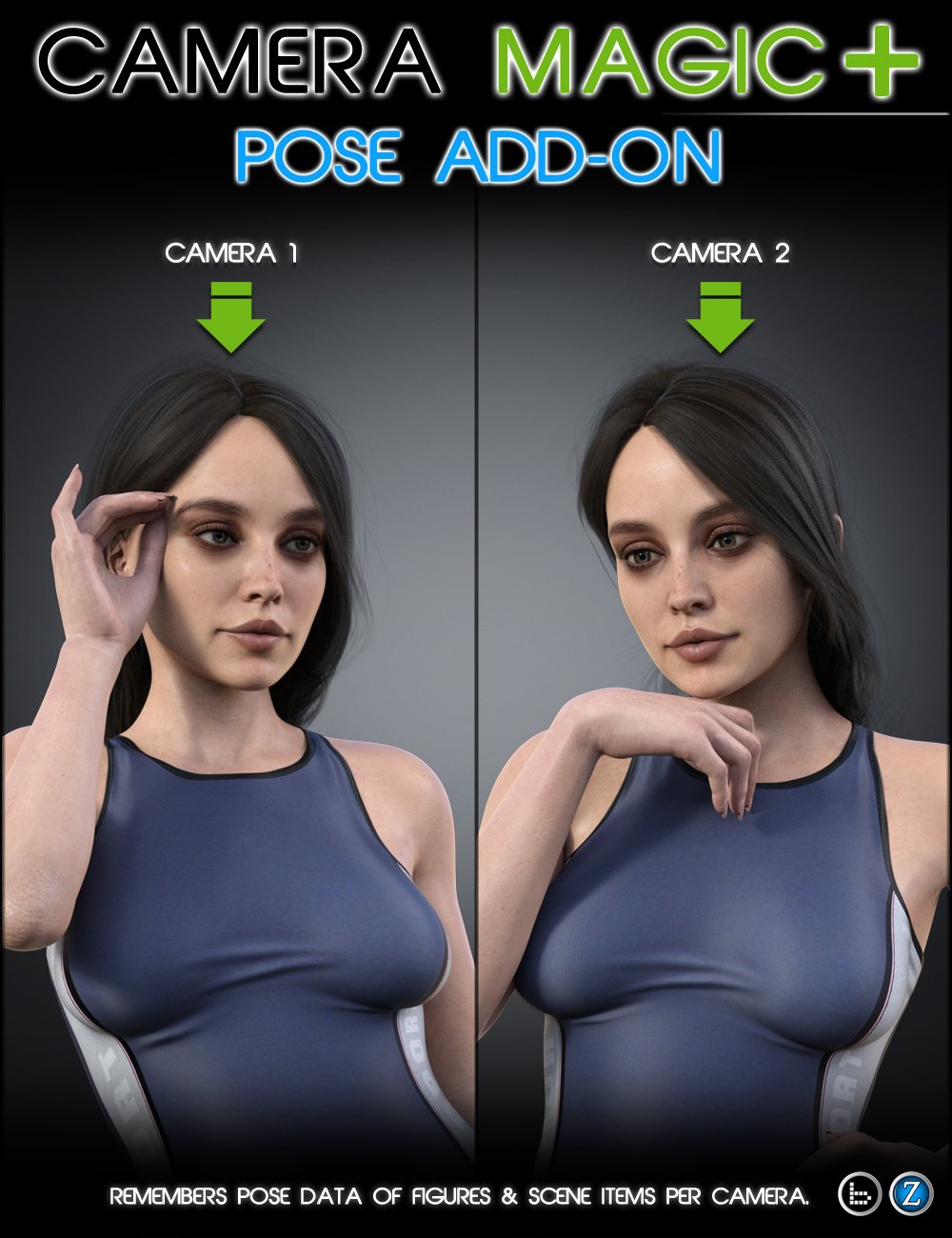
Remembers Pose data on figures and any item(s) that contains Modifier/Pose sliders per camera.
Camera Magic Plus - Shape Add-On
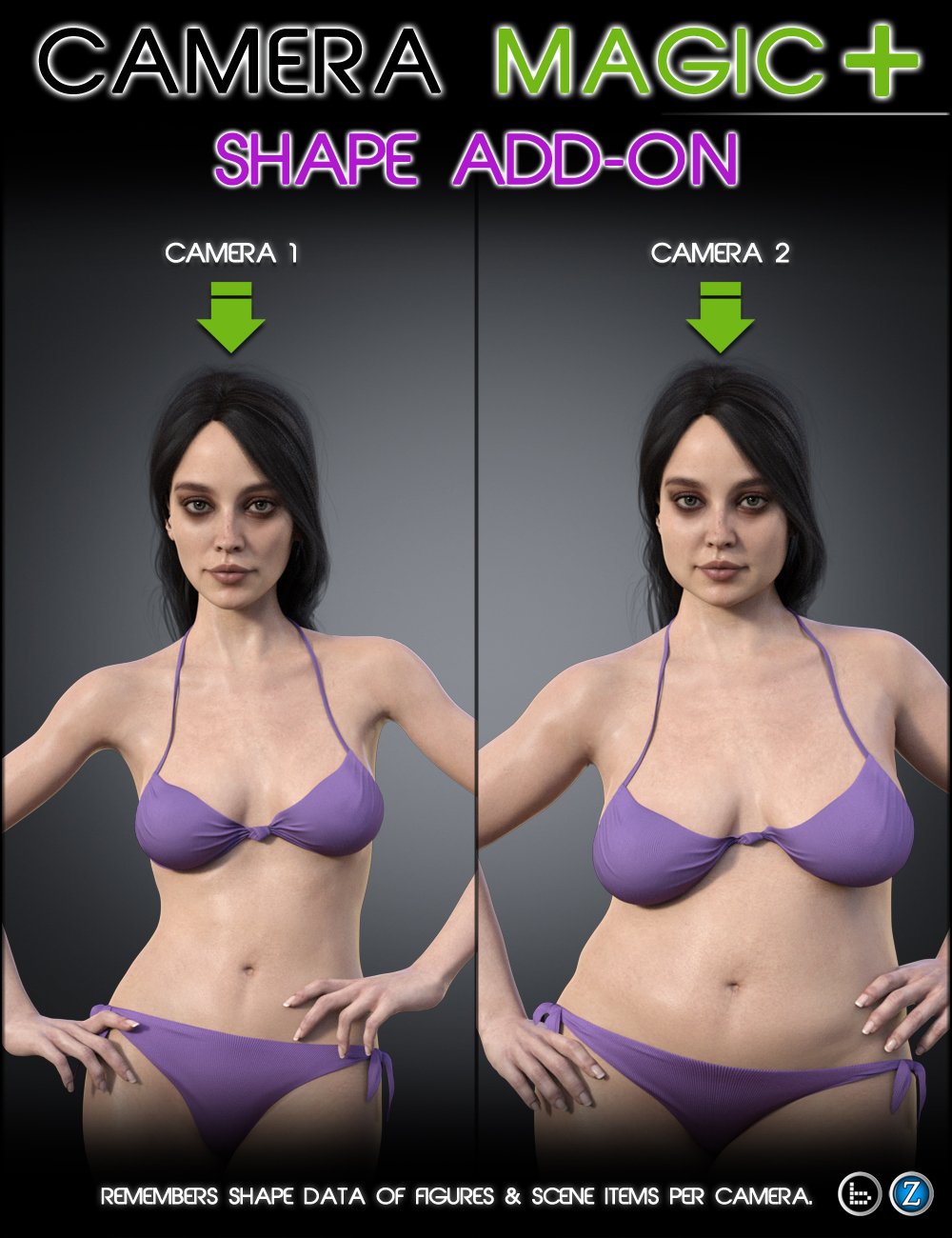
Remembers Shape data on figures and any item(s) that contains Modifier/Shape sliders per camera.
- Camera Magic Plus - Pose Add-On
Originally posted on May 13, 2023 @ 23:20
2024-08-15 - Camera Magic Plus.dse - Added support for recording/applying translation of pectoral bones in Genesis 1-92024-07-20 Updated version to 1.3
Iray 'Dome Rotation', 'Dome Orientation X', 'Dome Orientation Y', and 'Dome Orientation Z' property values (found on Render Settings pane under Environment/Dome) are now saved and applied when user captures pose data and chooses 'Everything in Scene'.
If users try to run the script with no camera in the scene, or no camera set in the viewport, they are given popup instructions on what to do.
Added 'Remove Keyboard Shortcut' to settings popup menu, which displays the currently set shortcut key.
Selection popup (which appears when you choose to save pose data) is now automatically positioned on the screen near the cursor for convenience.2023-04-27 Updated to ver 1.2
Fixed issue involving scene objects with hidden transform properties not remembering pose.
Fixed issue for when camera is parented to another object or item.2023-02-07 Updated to ver 1.1 added new selection items.Introducing Camera Magic Plus - Pose Add-on. Now your scene cameras have the ability to remember what pose information is being used. The possibilities for new workflows are endless. Best yet, if the scene has Pose Magic applied and it is saved, the Magic will be saved as well to those cameras.
Script Features:
Remembers Pose data on figures and any item(s) that contains Modifier/Pose sliders.
Cameras with Camera Magic are remembered when the scene is saved and re-opened unless disabled.
Camera Magic Info and Support ThreadNote: Works in earliest Studio version 4.15.0.3.
Download via QtyFiles Service - Camera Magic Plus - Shape Add-On
Originally posted on May 13, 2023 @ 23:30

2024-08-15 - Camera Magic Plus.dse - Ensures cross-compatibility with Camera Magic Plus Pose Add-on. cameraChanged.dse - Added preventative measures against rare case where users would need to stop and restart Camera Magic services when switching between different Camera Magic scripts.2024-07-05 Update to v1.3
Added 'Everything in Scene' option to shape saving options.
Fixed issue where users could not save shape data for non-rigged items if there was no rigged figure in the scene.
If users try to run the script with no camera in the scene, or no camera set in the viewport, they are given popup instructions on what to do.
Added 'Remove Keyboard Shortcut' to settings popup menu, which displays the currently set shortcut key.
Selection popup (which appears when you choose to save Shape data) is now automatically positioned on the screen near the cursor for convenience.2023-04-27 Update to v1.2
Fixed issue involving scene objects with hidden transform properties not remembering pose.
Fixed issue for when camera is parented to another object or item.2023-02-07 Updated to ver 1.1 added new selection items.Introducing Camera Magic Plus - Shape Add-On. Now your scene cameras have the ability to remember what shape information is being used. The possibilities for new workflows are endless. Best yet, if the scene has Shape Magic applied and it is saved, the Magic will be saved as well to those cameras.
Script Features:
Remembers Shape data on figures and any item(s) that contains Modifier/Shape sliders.
Cameras with Camera Magic are remembered when the scene is saved and re-opened unless disabled.Note: Works in earliest Studio version 4.15.0.3
Download via QtyFiles Service - Camera Magic
Originally posted on February 10, 2023 @ 23:50
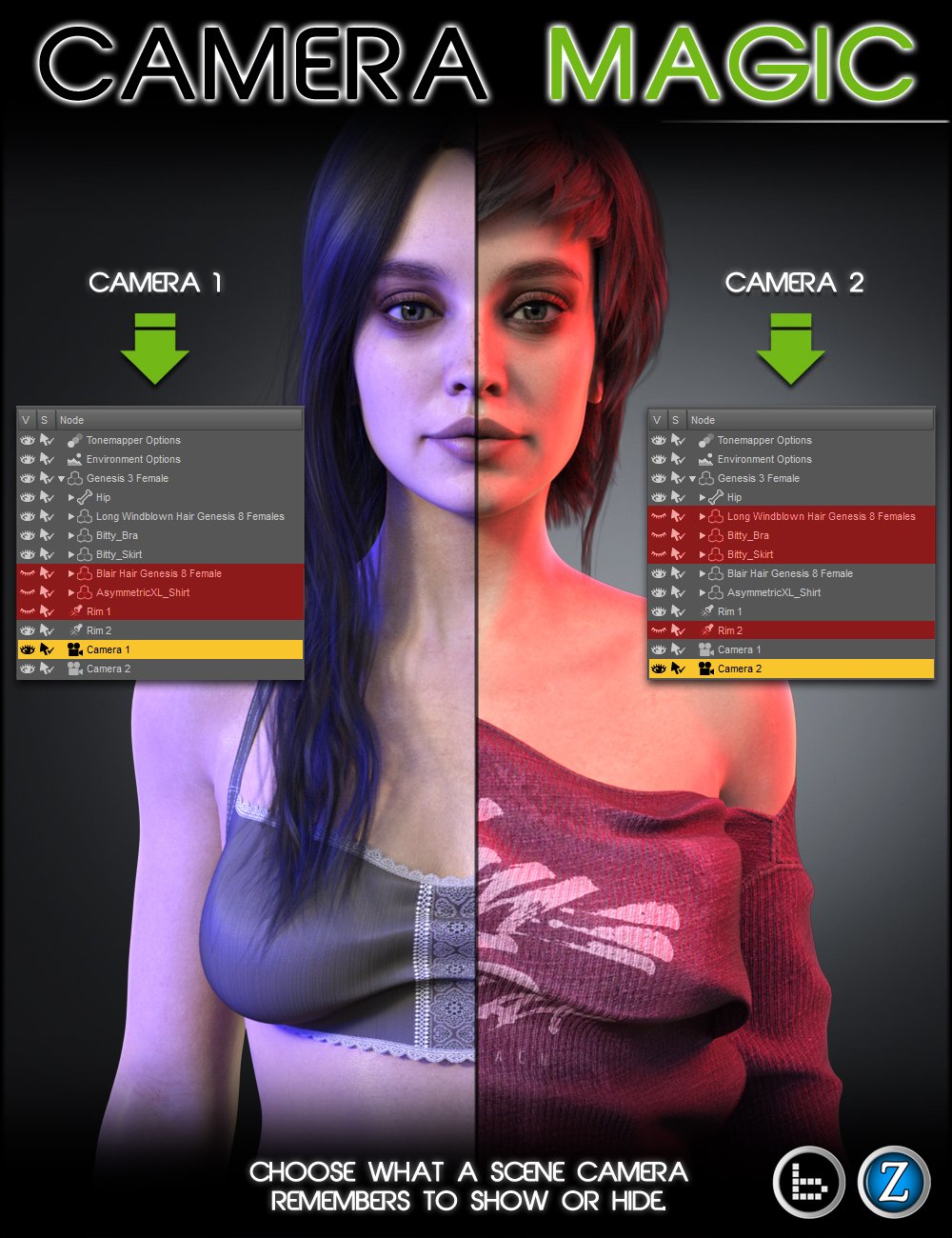
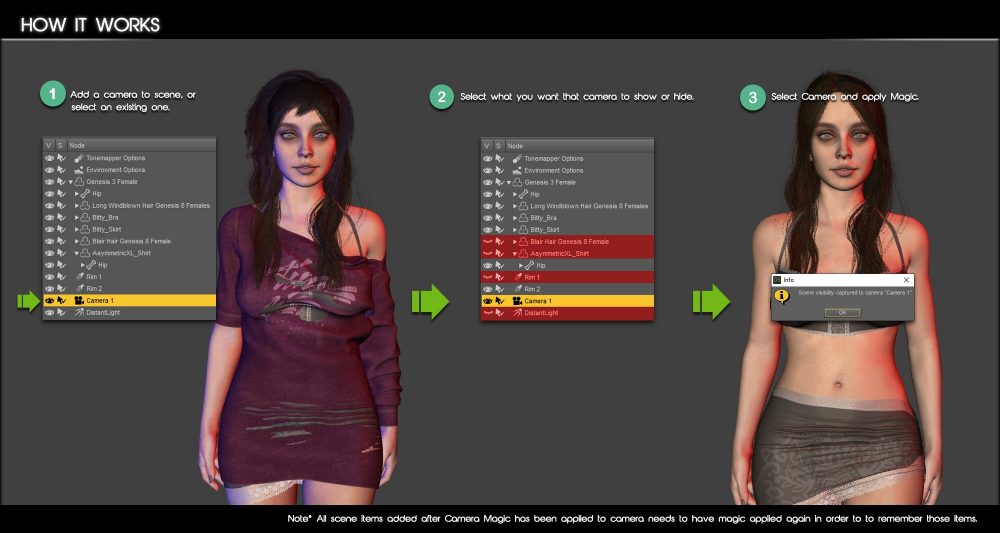
2024-08-15 - cameraChanged.dse - Added preventative measures against rare case where users would need to stop and restart Camera Magic services when switching between different Camera Magic scripts.2023-02-07 - Fixed issue where double-pressing the keyboard shortcut could cause DAZ Studio to crash.2022-07-13 - Added ability to toggle scene startup pop-up on and offIntroducing Camera Magic. Now, you have the ability to have your scene cameras remember what is visible or hidden. Show or hide different lights, clothing, characters, or even different environment objects that will only show on the camera you choose. The possibilities for new workflows are endless. No need to switch cameras and manually hide or show scene items — Camera Magic will remember it for you. Best yet, if the scene has Camera Magic applied and it is saved, the Magic will be saved as well to those cameras.
Script Features:
what is hidden in the scene.
Cameras with Camera Magic are remembered when the scene is saved and re-opened unless disabled.
Download via QtyFiles Service