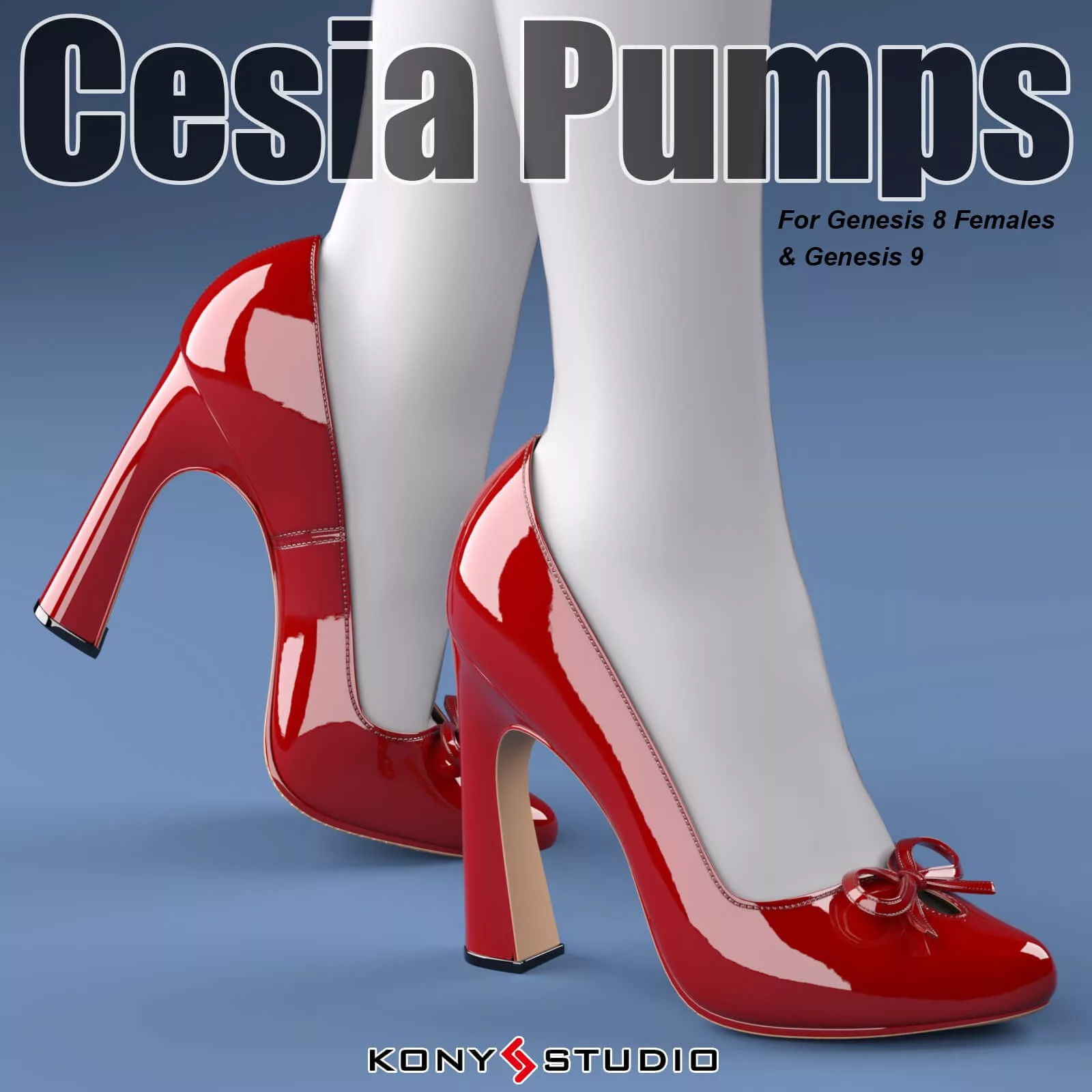
★ Additionally, the "Foot Pose" and "Foot Pose Reset" poses, compatible with both Genesis 8 Female and Genesis 9, ensure that your characters' feet are perfectly positioned within the pumps.
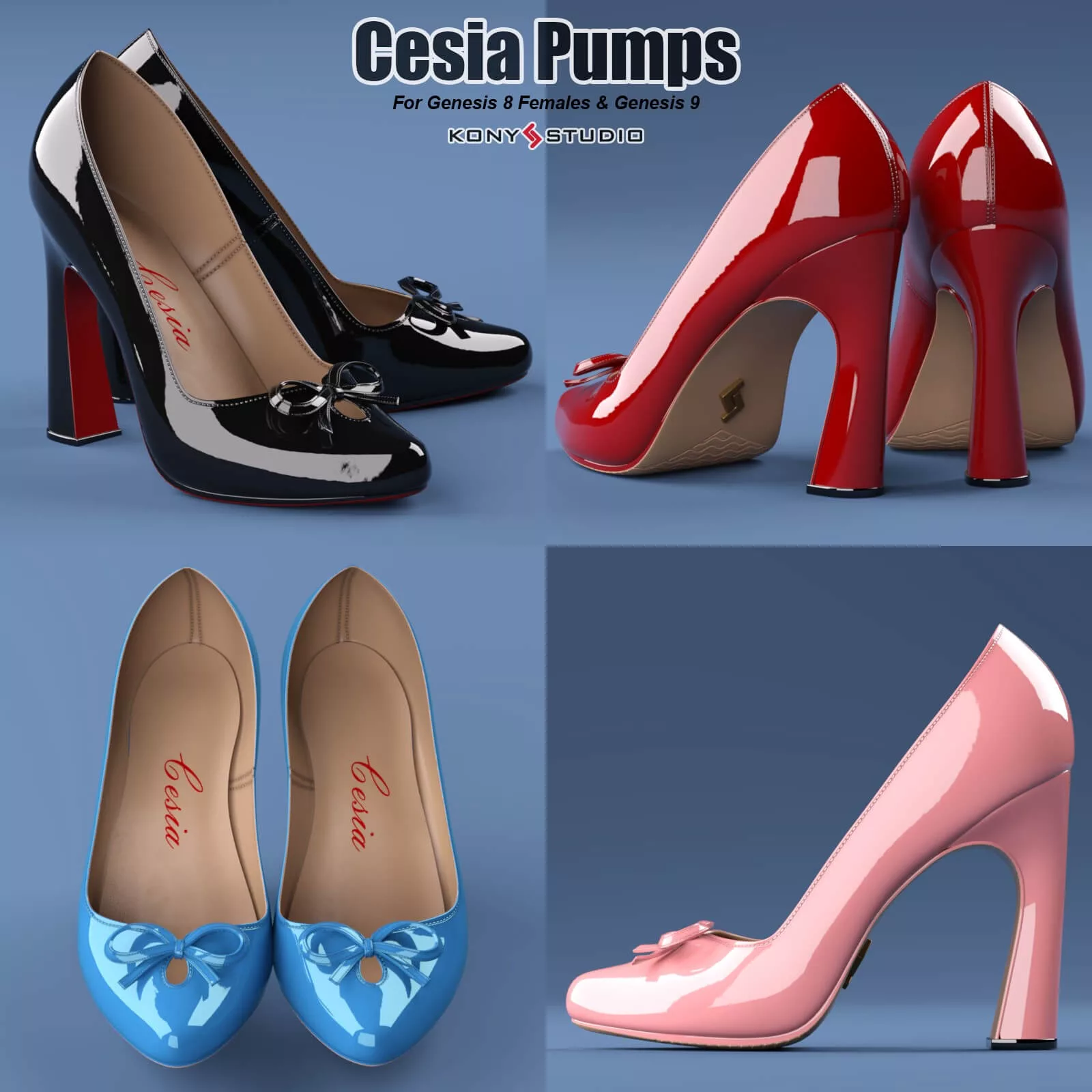
★ Indulge in a vast array of customization options, including 18 captivating shoe styles, 12 intricate knot styles, 3 distinctive sole styles, and 2 logo styles rendered in Iray materials.
★ The Cesia Pumps smart props are meticulously separated, allowing for effortless customization and versatility.
★ Unleash your creativity with multiple morphs in the pumps figure, empowering you to effortlessly alter the style of the pumps to match your vision.
★ The "Cesia Pumps G8f" figure embraces the Genesis 8 Female body shape morphs, while also accommodating renowned G8F character morphs such as Aiko8, Victoria 8, CJ8, Kanade 8, Teen Josie 8, IChigo, Teen Jane 8, Kala8, Olympia 8, Alexandra 8, and Josephene 8.
★ The "Cesia Pumps G9" figure seamlessly integrates with the Genesis 9 body shape morphs and Victoria 9 character morphs, ensuring compatibility with Genesis 9 characters and most future G9 characters.
★ For added convenience, most other body shape morphs can be effortlessly adapted using Daz Studio's Auto-follow feature.
★ Elevate your texturing workflow with the inclusion of a texture template JPG file for Cesia Pumps, conveniently located within the textures directory.
★ Immerse yourself in the comprehensive documentation provided in the Documentation directory, ensuring a smooth and seamless user experience.
------------------------------------------------------------
To install, unzip all the files to your Daz Studio Library.
To use for G8f/8.1f, just select the G8F/G8.1F figure in your scene, then double click the "Cesia Pumps G8f" figure (in directory People/Genesis 8 Female/Clothing/Kony/Cesia Pumps) to apply the pumps figure to the G8f figure,and double click the "Foot Pose for Cesia G8f" to apply the foot pose to the G8f figure.
To use for Genesis 9, just select the Genesis 9 figure in your scene, then double click the "Cesia Pumps G9" figure (in directory People/Genesis 9/Clothing/Kony/Cesia Pumps) to apply the pumps figure to the Genesis 9 figure,and double click the "Foot Pose Cesia for G9" to apply the foot pose to the Genesis 9 figure.
For some reasons, when the pumps model is fitted to the G8/G9 model, there may be slight deformation or mold wear problems, which are caused by some internal morphs of G8/G9. You can try to use "Shoes shape fix" to solve these problems: While the pumps are fitted to the G8/G9, select the pumps, then double-click "Shoes shape Fix", so that the pumps model will ignore some internal morphs of the G8/G9 and return to a more normal shape.
Multiple morphs in pumps figure can be used to change the shape style of the pumps.
If your want to remove the Cesia Pumps(G8f/G9) figure, select the shoes figure in your scene and right click to delete it, and select the G8f/G9 figure, double click the "Foot Pose Reset" in Cesia Pumps (G8f/G9) library directory to reset the G8f/G9 figure foot pose.