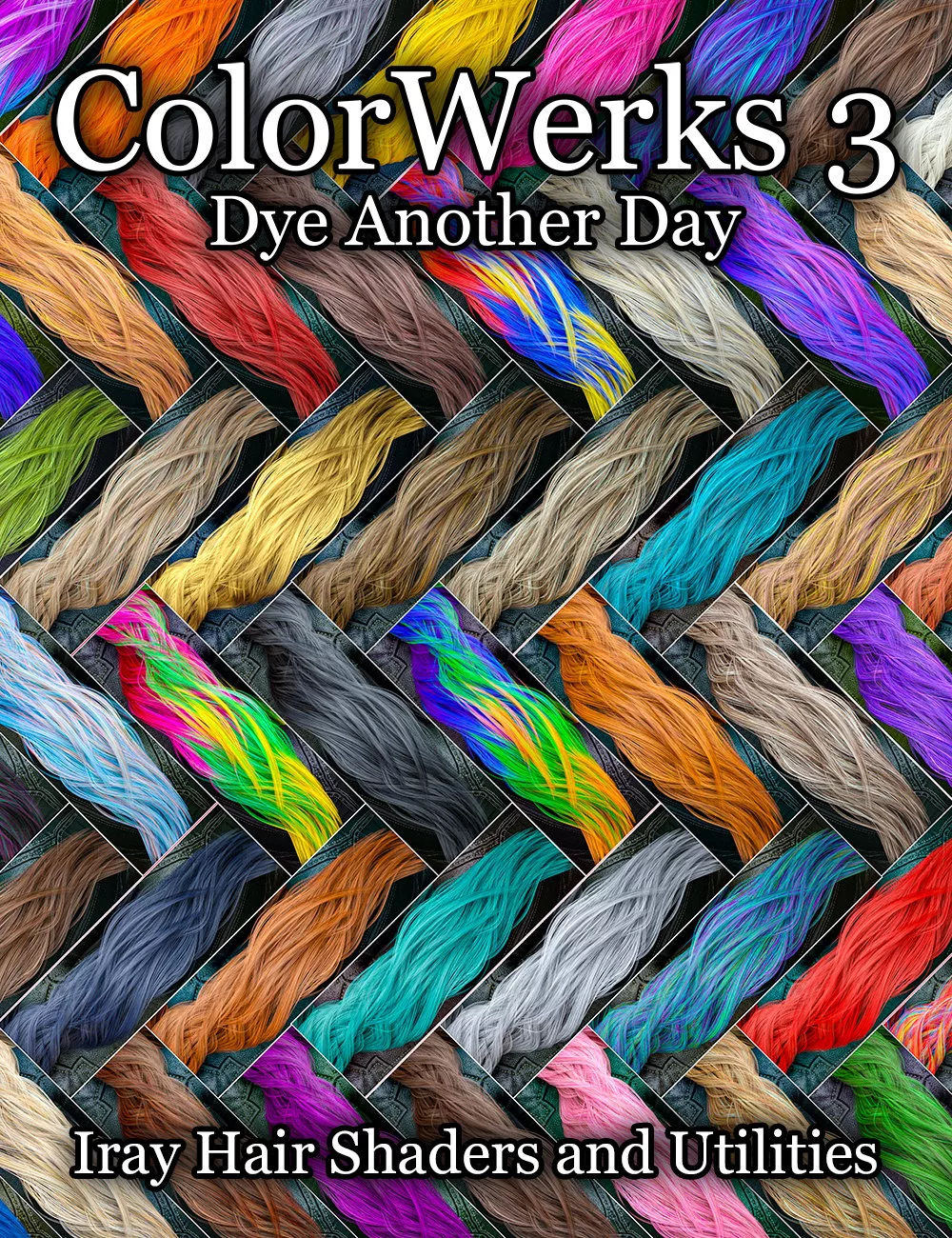
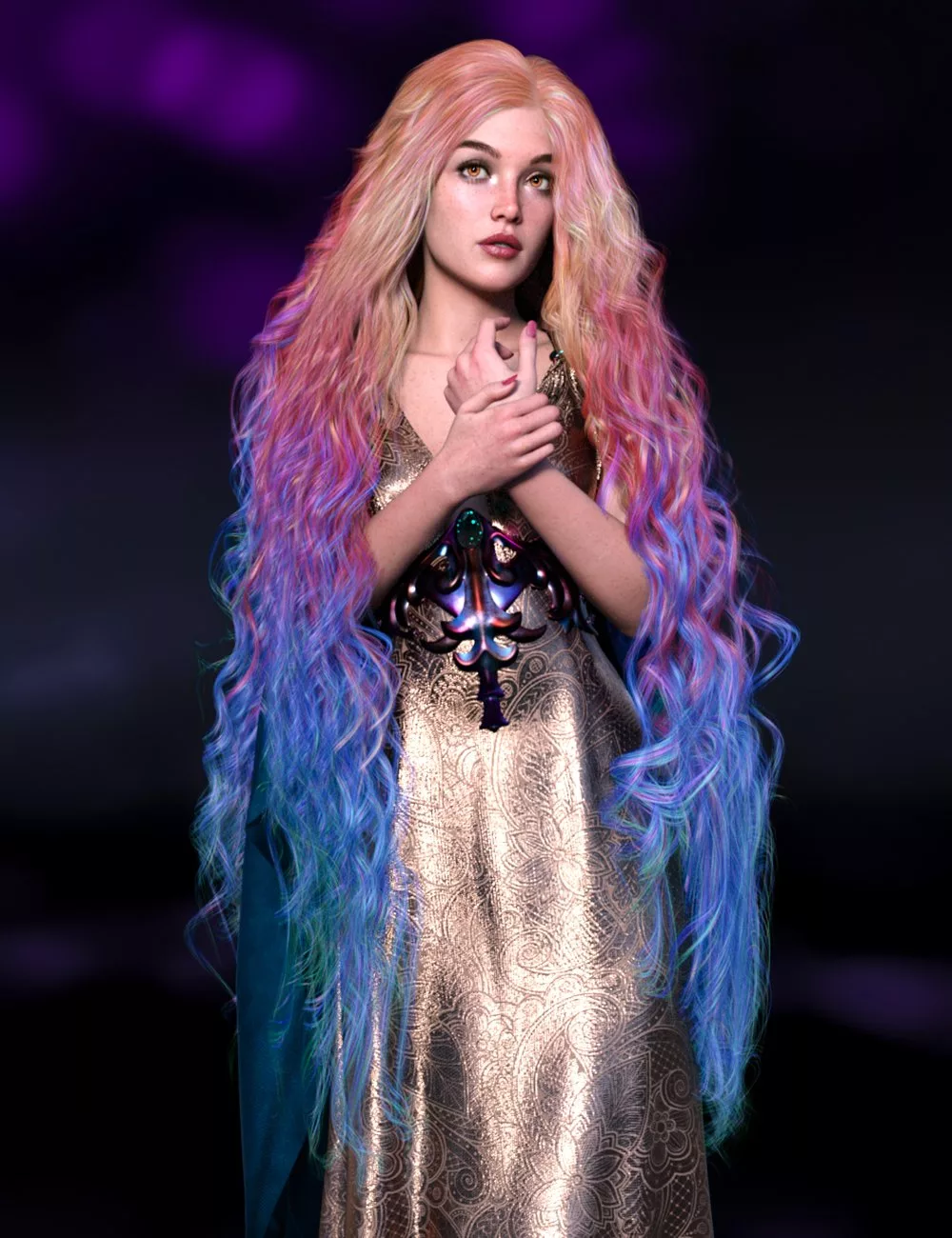
Each texture has been handmade with lots of different colors and highlights and lowlights. Combined with the translucency and bump maps, hair is rich and multidimensional. Additionally, ColorWerks 3 comes with a number of utility presets that can adjust the final look of the hair, including bump, shine, and tiling. New to ColorWerks 3 is the ability to lighten or darken the chosen texture to not only add more options but can also help if your scene is very brightly lit by toning down the color just enough to handle the bright lights. You also have presets to lighten or darken the roots or tips of a chosen texture.
Aside from the single color bases, such as "blonde", "brunette", "blue", etc., there are dozens of multicolored special presets, which include fantasy colors, ombres, metallics, and streaks. Swap two ombre colors with a simple preset, or offset the fantasy blends up and down the hair with presets.
The shader settings for ColorWerks 3 have been carefully crafted to give you great color and shine, while presets make it easy for you to adjust these settings without digging into the Surface Pane.
35 Blonde Base Colors
35 Brunette Base Colors
17 Blue Base Colors
18 Green Base Colors
14 Pink Base Colors
12 Orange Base Colors
16 Purple Base Colors
10 Red Base Colors
10 Teal Base Colors
10 Yellow Base Colors
30 Ginger Base Colors
25 Black/Gray/White Base Colors
28 Fantasy Gradient Colors
30 Ombre Presets
8 Metallic Presets
37 Streaked Presets
46 Utility Presets
1 Base/Scalp/Cap Preset
2 Ombre Invert Presets
2 Irridescence Presets
5 Bump Strength Presets
10 Gradient Offset Presets
5 Roots and Tips Presets
11 Shade Control Presets
4 Shine Presets
6 Tiling Presets
Textures Include
313 Texture, Bump, and Glossiness Maps (512 x 512 to 4096 x 4096)
Daz Studio Iray Shader Presets (.DUF)