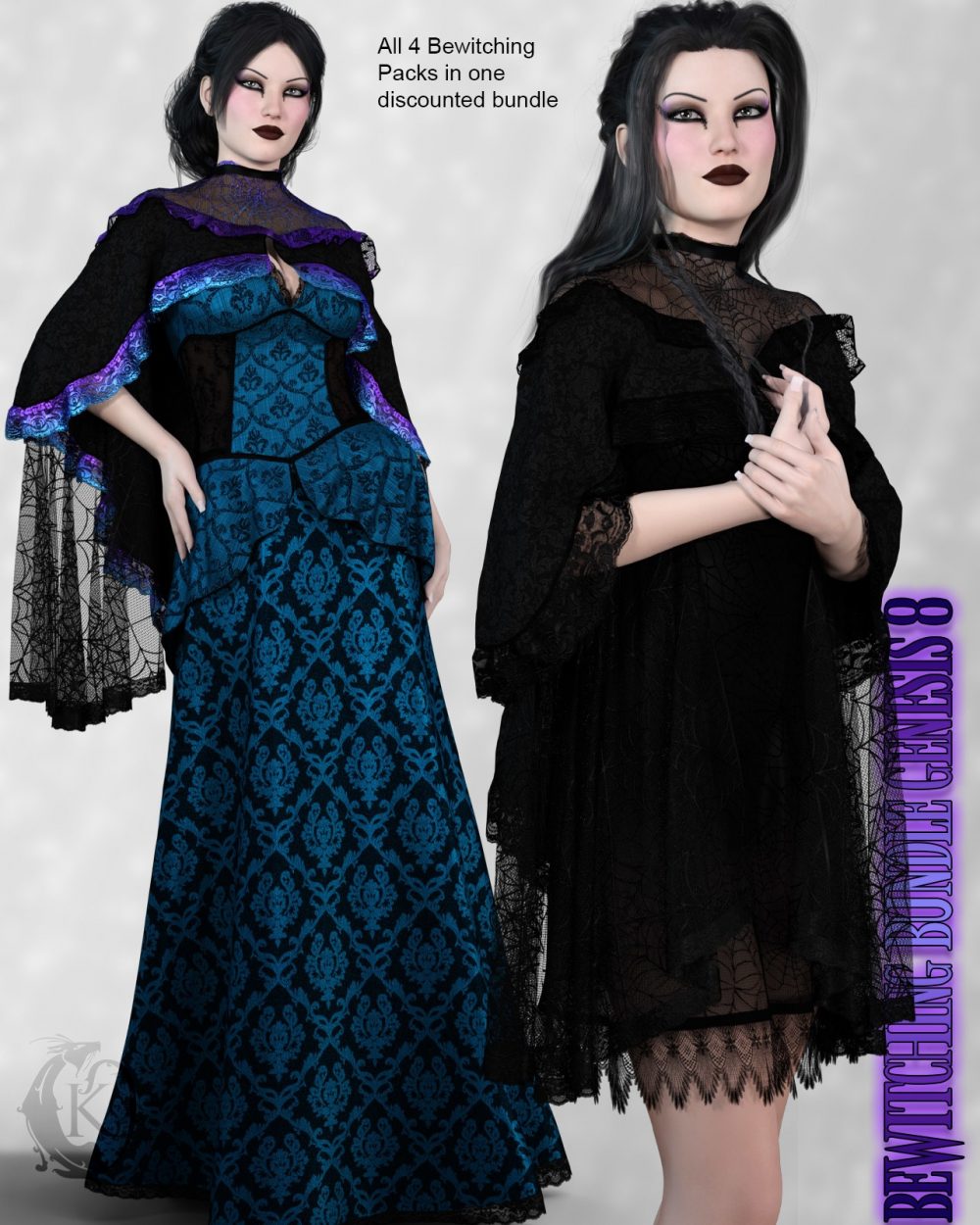
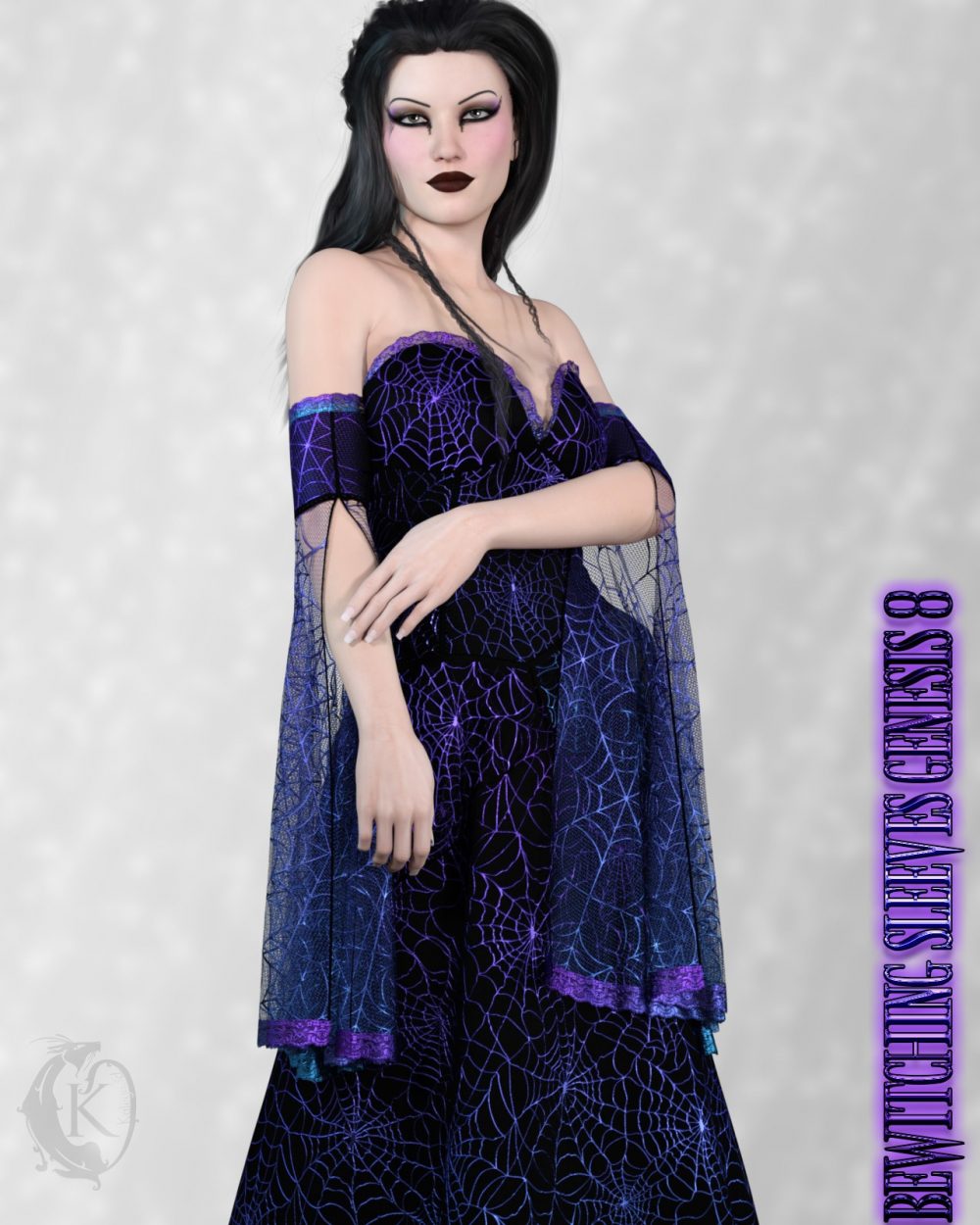
Collect the entire Bewitching set in this one low priced bundle. Includes all 4 Bewitching packs.
Bewitching Capes
Bewitching Sleeves
Bewitching Dress
Bewitching Gown
When using multiple d-force items it is often helpful to simulate each item separately. You can do this by hiding individual items or freezing them in the simulation properties parameters once they are simulated.
d-force is required. For best results when using d-force I recommend applying your body shapes at frame 15 to allow the outfit time to settle around the morphs this is especially useful when using unsupported shapes. Ideally adjustment morphs should be applied at frame 1. Ideally you should apply your pose at frame 30, in some cases you may want to add extra frames after 30 to allow the cloth more time to settle. Some poses may require adjustment.
Items loads with d-force settings already applied. You can adapt them to your liking by changing them in the surfaces tab or using one of the included presets. When using the presets apply the base preset first as other presets are partial presets only. Other body Morphs will work using auto-follow technology. Smoothing can be increased to improve the look of auto-follow on more extreme body shapes. Some adjustment may be necessary in extreme poses or with extreme body shapes. Adjustment morphs are included to help with these situations as well as with posing. Auto-follow morph results vary.