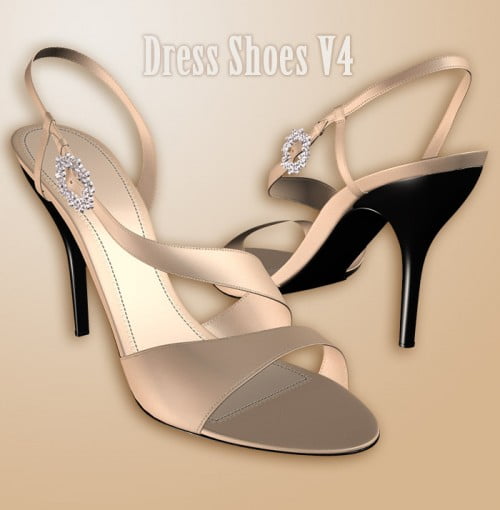
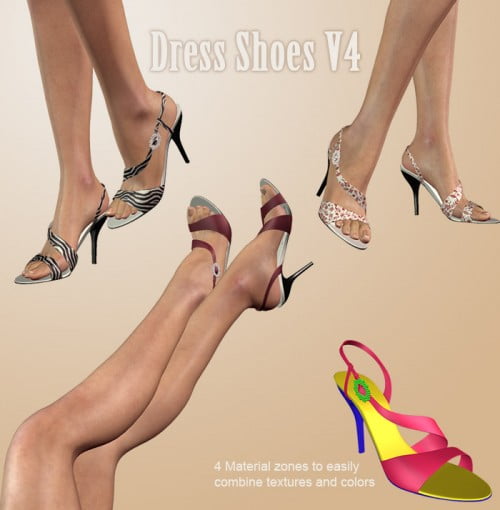
A classic and elegant style of high heels with diamond ornament for the Victoria 4 character including custom foot & toe morphs for Victoria 4.
Installation:
Double-click the zip. In Winzip, choose "Extract". Choose to extract to your Poser folder.
In Poser, the Dress Shoes are found under Props>DigicalShoes
The mat poses are found under Poses>Dress ShoesV4
INSTRUCTIONS
First load the Victoria 4 character
Then go to poses and load "DressShoesPoseINJ" to inject the necessary foot/toe morphs and bend the feet
and toes in the right position for the shoes.
Next load the shoes.
Note: The "DressShoesPoseINJ" pose also locks the toes of V4 so they can not bend or twist when you pose
V4. This is so that you can use pose collections without having to re-adjust the toes to fit the shoes each
time you load a new pose. To unlock the toes and remove the morphs injected, use the "DressShoesPoseREM" pose.