
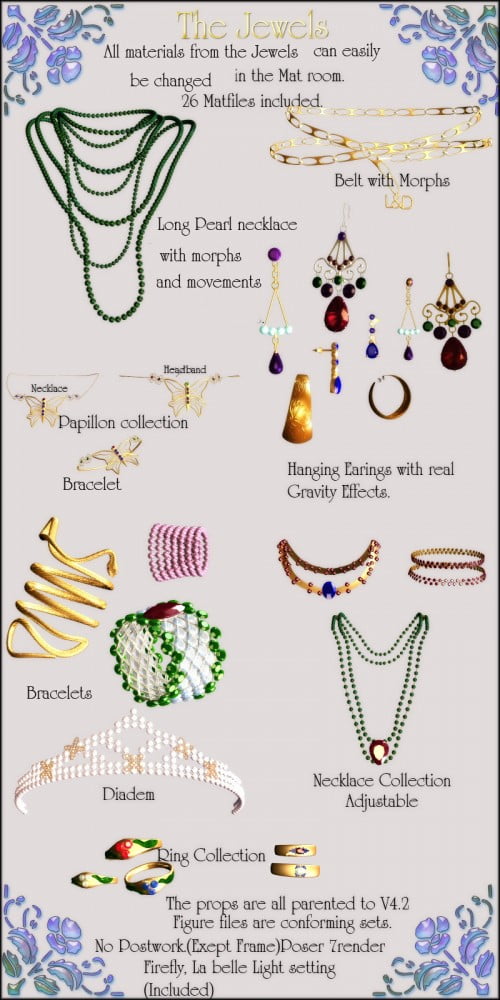
Jewel and Pose set for V4.2
With 26 Matfiles for the poser Mat room to change the colors of the jewels.
Installation Instructions:
Detailed Installation Instructions
Extract the zip-archive with your zip program:
- Open WinZip and press the button -Extract-
- In the window -Folders/drives-, select the folder that contain your
Poser program.
(ex. c:\program files\Poser7\ ).
- The check box -Use Folder names- must be marked.
That way, all files will placed in the correct path.
Usage Tips or Limitations:
The Props are all parented to V4.2. The CR2 files(character files) are all conforming sets.
The Mat files are all Poser Material settings. They will only work properly in Poser using the Firefly engine renderer.(Poser 5 and up)
Please always check the Firefly render box and the "use displacement map" box for the best render results.
Example of the render settings you can see on the jpg file, included in the readme folder.
Raytrace refraction and reflections require more processing time. Please expect longer render time.
With different light settings, the shader may change the colors. Depending on your light colors.
The Poses were made with 4.2 base. Without morphs.
Depending on your morphs, you may have to tweak the poses a bit.
An example; when her hand is in her hip, or depending on her shoes, she may float or sink into the ground.