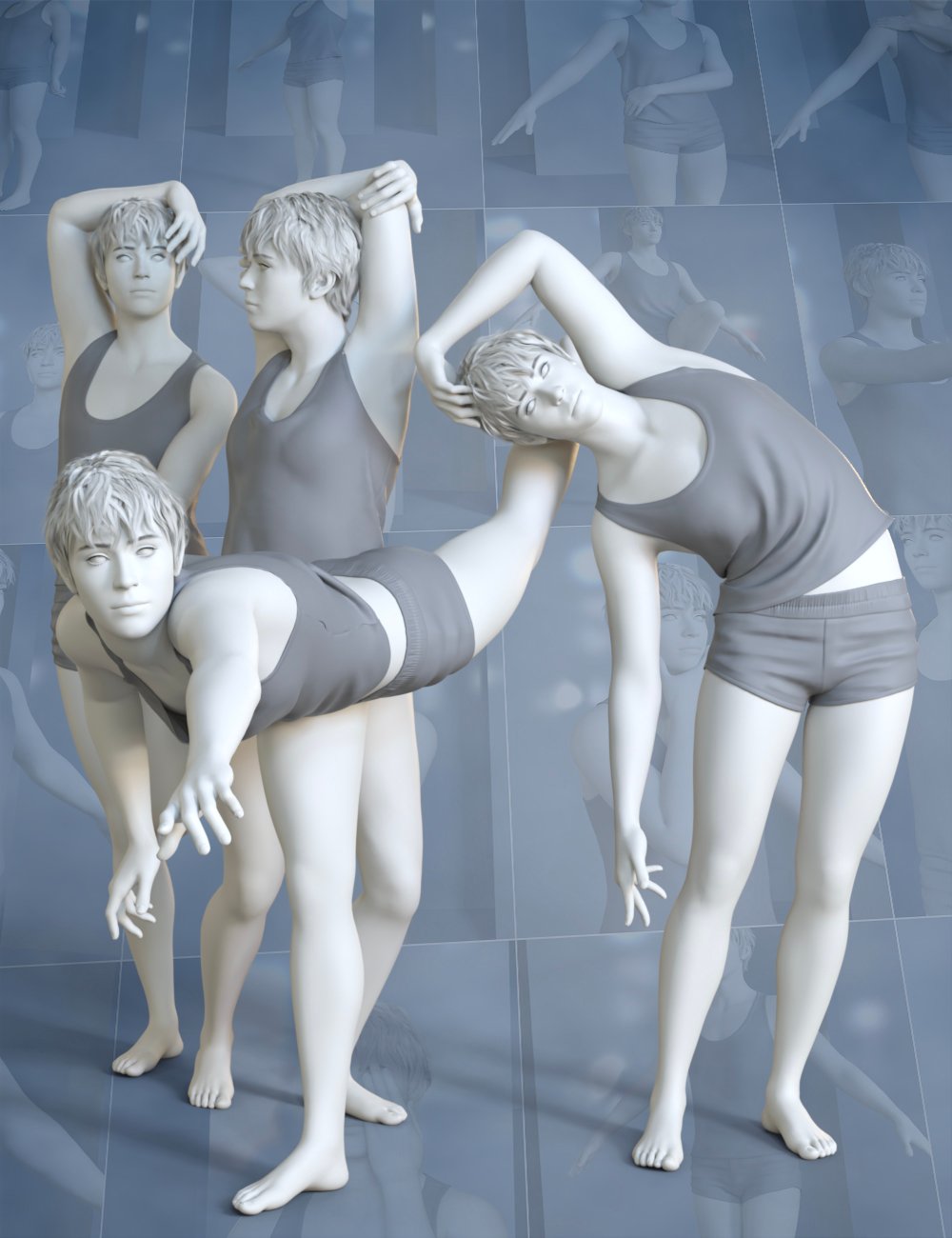
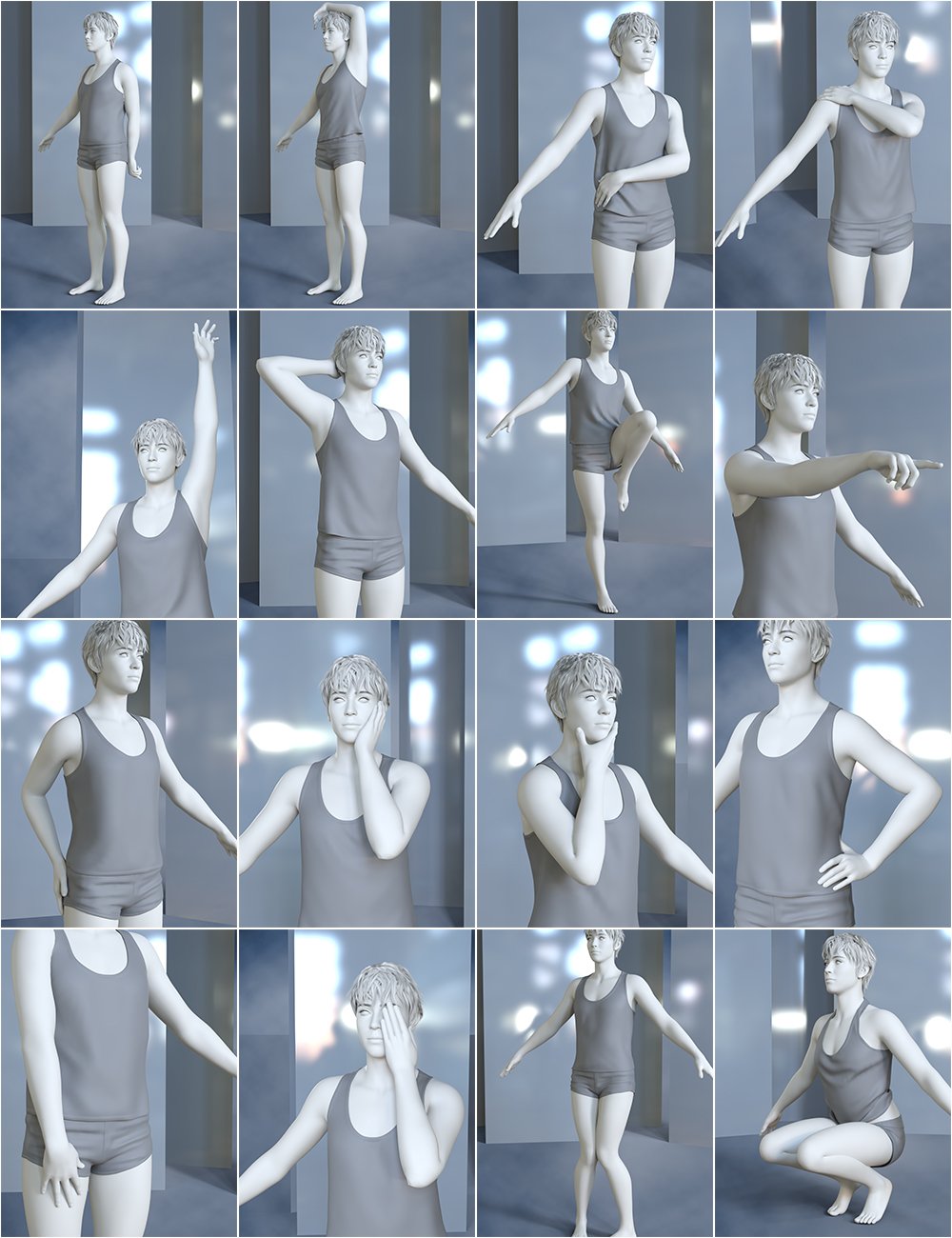
The included leg pose-dials maintain foot contact with the ground plane for a more natural look.
The included arm pose-dials take into account torso pose-dials to maintain a natural position.
Pose-dials can be combined with standard joint posing to further perfect your pose.
Not sure where to find these magic dials? We've included a shortcut preset that quickly shows your "Parameters" pane and highlights the Pose-Architect dials!
A utility script is included to copy the resulting joint pose parameters for each joint affected by the pose-dial values enabling you to save out a normal body pose.
Simply follow these 3 steps:
Use as many of the pose-dials as needed to create your pose. Multiple pose-dials can be added in together with existing joint body posing to create your perfect pose.
Once your pose is created, use the included preset to automatically convert the dial values into standard joint posing.
You can now save out your pose without the pose-dial as a standard figure pose.
Note 01: Pose-dials do not work well with Inverse-Kinematics.
Note 02: These animated pose dials are created on the base Genesis 9 figure. Slight adjustments may be needed when applying character shapes.
Note 03: These are not standard poses - they are pose-dials. Use the included "Show PA Dials" preset to quickly find the dials.
See below video for an example of one of the included Leg Pose dials showing how the feet stay fixed on the ground plane.