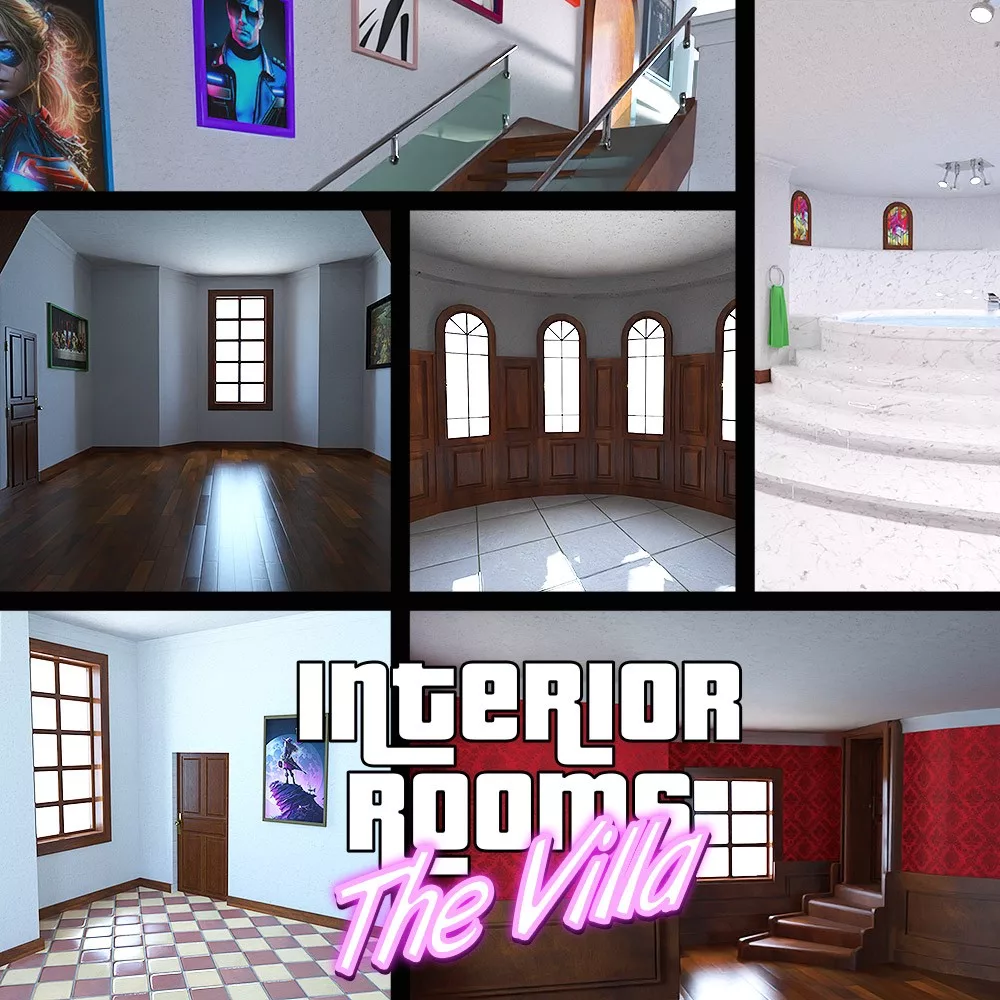
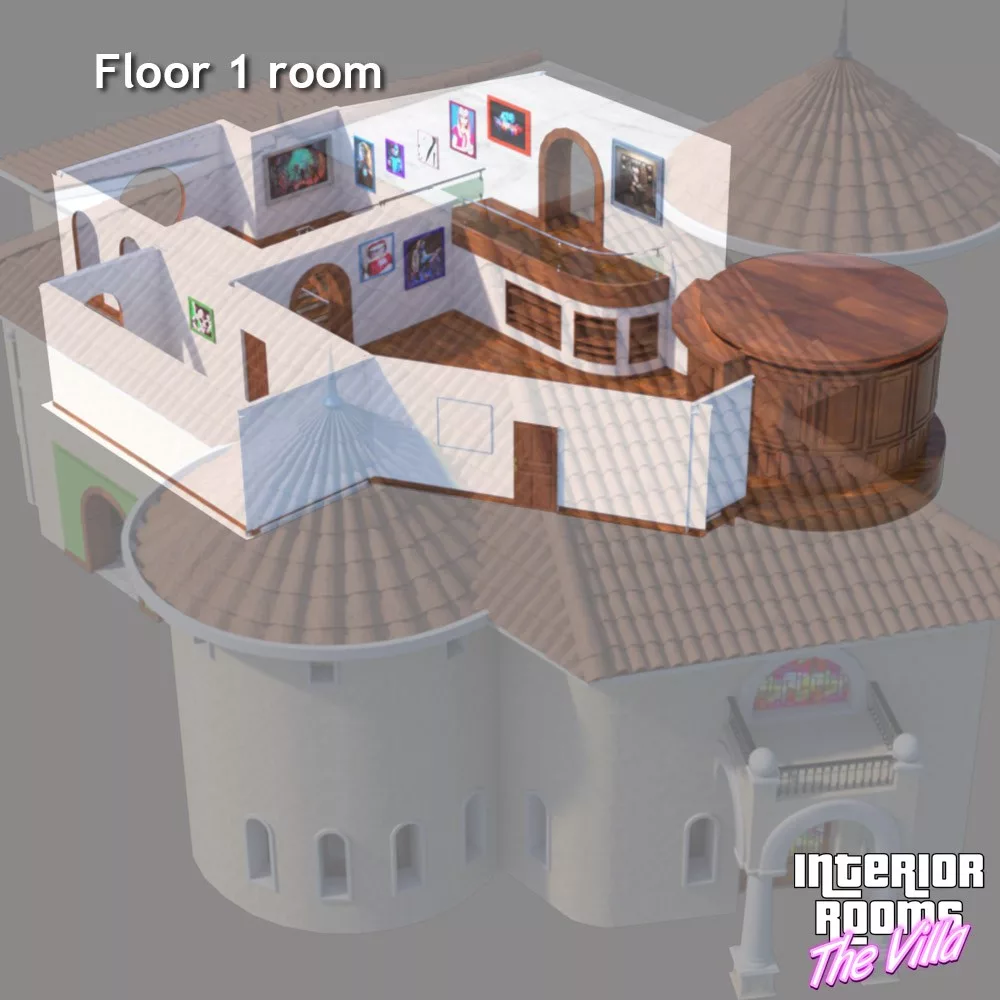
All the pieces position themselves automatically in the villa.
You can also use them without loading the elements of the villa (but the windows will not be present).
In order to save system resources, it is advisable to load only the elements useful for your rendering
(eg: Entertainment room + Villa base 1). Remember to select the corresponding camera to view the rooms,
the cameras have distinctive names to facilitate the work.
You can also use them without loading the elements of the villa (but the windows will not be present).
In order to save system resources, it is advisable to load only the elements useful for your rendering
(eg: Entertainment room + Villa base 1). Remember to select the corresponding camera to view the rooms,
the cameras have distinctive names to facilitate the work.
- 1 Floor 1 (with cameras, frames include in one piece)
- 1 Floor 1b (with cameras, frames include in one piece)
- 1 Bathroom (with camera, frames and furniture include in one piece)
- 1 Cave (with camera)
- 1 Entertainment room (with cameras)
- 1 Floor 1b (with cameras, frames include in one piece)
- 1 Bathroom (with camera, frames and furniture include in one piece)
- 1 Cave (with camera)
- 1 Entertainment room (with cameras)
Product located in Props > Christophe3D > The Villa > Rooms
Product Compatibility Iray engine.