V3D Autopose for Genesis 9 Bundle is a set of three products allowing you to help you posing figures in a very efficient and easy way. Maybe even a funny way!
Face to Face Autopose Arms provides all the tools you need to create from scratch or to modify the arms pose of your figure in a super simple way: a face to face principle. Any face of any object or any location in space can be automatically reached (if reachable) by the faces you select on the hand of your figure, or on a child node of the hand. The destination location is a target plane that can be manually loaded or automatically created on the selected faces of any scene node. Tools are provided to process any single frame (single pose) or full range of animations. You can process the arms only, but also the arms, and/or hands, and/or fingers (you can choose), and even better, it works with the selected faces of any child object of your hand, which is ideal to autopose the arm to put a gun on someone’s head, or a racket on a ball.
Face to Face Autopose Legs provides the tools you need to automatically pose the legs and feet of your Genesis 9 figures. As in the version of the product for the arms, any face of any object, or any location in space, represented by a small target plane, can be automatically reached (if reachable) by the faces you would select on the foot or the shoes of the figure. For the laziest, you can select only the leg without selecting any face on the foot and the shoe, and in this case, the toes origin will be used to reach the target, and you can work with an additional Y offset to compensate for the shoe and foot thickness. The Autopose legs suite of scripts includes tons of options and additional tools, such as the possibility to use only the target height, to restore some specific – stored - foot to floor angles and foot-heeled morphs, to maintain original foot orientation while converging, etc… You can easily create or modify poses, and even if no animation tools are basically included, the scripts will work at any frame you want in your timeline.
For both of these products, a convergence settings script allows you to define your convergence speed and precision, and even (if you choose low convergence speed) to be able to pose your figures while a face to face algorithm is converging. The convergence settings include additional options depending on the product, such as if you process the hand or the fingers for the arm version or the value of the Y offset you want to use for the legs version. The tools are super flexible: you don't like the resulting arm or leg pose? No problem, start from another arm or leg pose to reach another result since the scripts will automatically try to converge to the closest pose of your starting pose. Even better, you can pose your figure during the convergence, reaching this way the exact result you want.
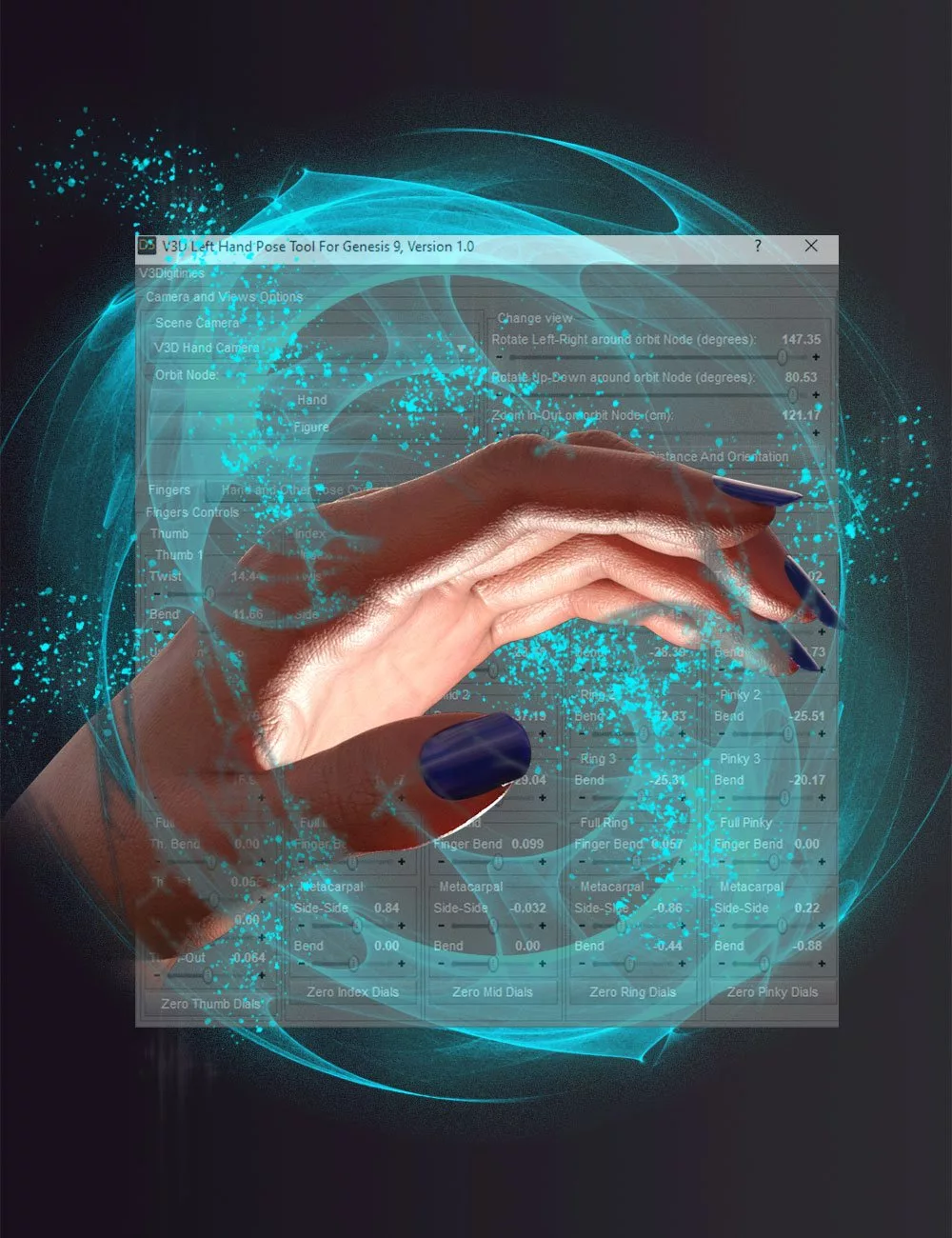
Finally, the V3Digitimes Hands Controls For Genesis 9 is a simple tool enhancing drastically the pose process of the fingers of your Genesis 9 figures. Gathering all the dials and the classical Hands Pose Controls in a single interface, with baking and zeroing possibilities, you will finally pose fingers in the blink of an eye.
All scripts can be installed as menus and easily removable and re-installable toolbars.
- V3Digitimes Hands Controls For Genesis 9
Originally posted on August 13, 2023 @ 13:40
2024-06-04 - Update : version 1.1 for the “V3DHCG9 Info” script.
This update solves the issue of files not installing properly in the menu or toolbar using the corresponding interface button.Have you ever struggled trying to catch a finger bone to pose it correctly? Or are you simply fed up selecting bones by bones the fingers you want to pose? Have you been annoyed by a hand Pose Control preventing you to reach the pose you want? Do you find it annoying to go back and forth from hand pose controls to bone rotations? Did you already give up using metacarpals because they are not easily selectable?
Then Hands Controls for Genesis 9 is here for you!
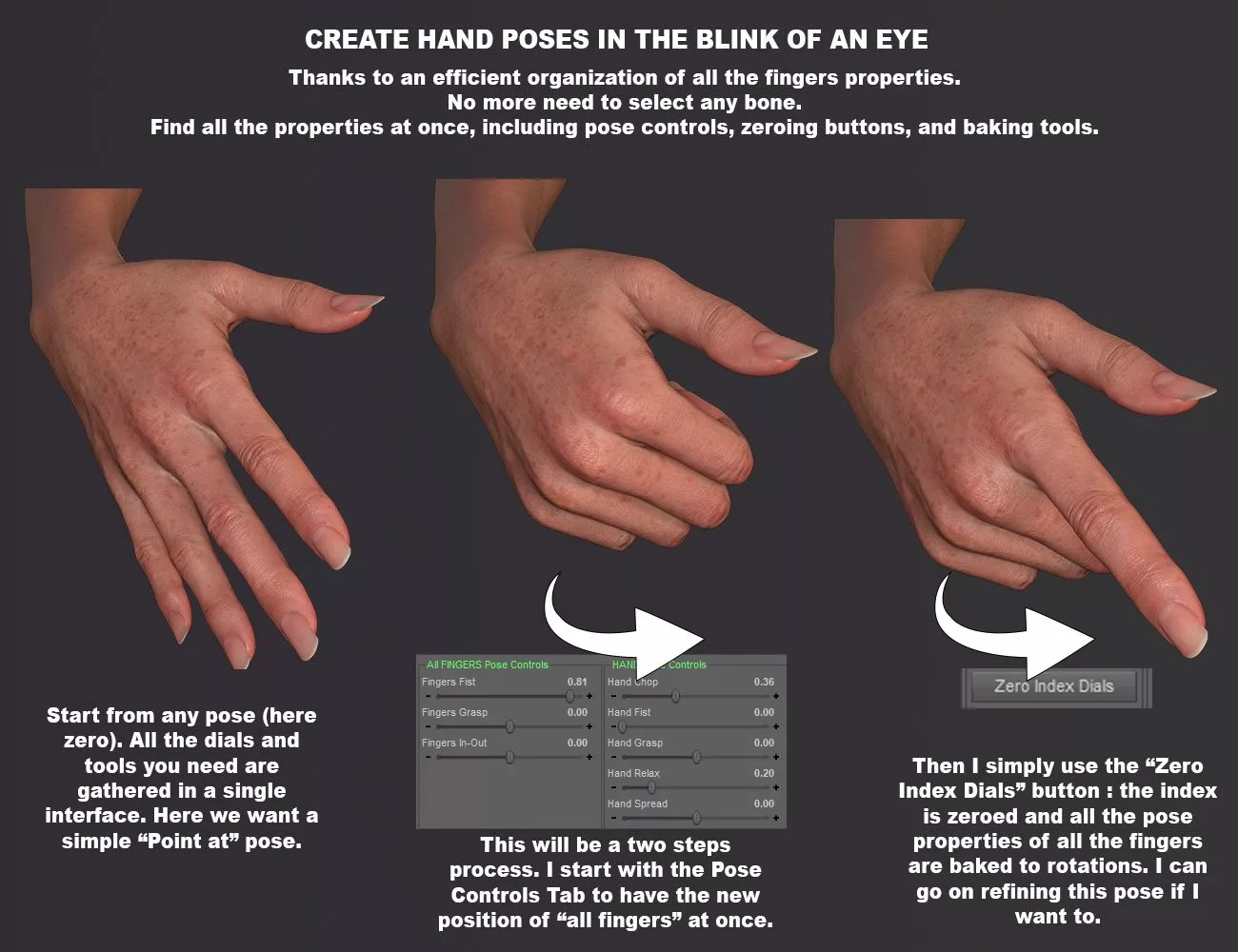
Hands Controls for Genesis 9 is a utility that makes the creation of, or the adjustment of hands poses both faster and easier. Gathering in a single interface all the rotations of the hand bones – including metacarpals - and the pose controls of the hand, you can now pose your hand more efficiently than ever. A dedicated hand camera, orbiting around the hand or the figure depending on what you prefer, can directly be controlled from the interface and enhances your global workflow.
Zeroing and baking tools are included. You can zero each finger individually, or all of them in a single click. The baking tools will transfer all the classical hand pose controls rotations directly to the fingers, giving you more comfort in hand pose creation and modification.
No more need to select finger bones or to swap between pose controls and bone rotations, with V3Digitimes Hands Controls For Genesis 9, everything you need is now at your fingertips!
V3Digitimes Hands Controls For Genesis 9: (.DSE)
Scripts:
V3DHCG9 Info
V3DHCG9 Left Hand
V3DHCG9 Right Hand
Download via QtyFiles Service - Face To Face Autopose Legs For Genesis 9
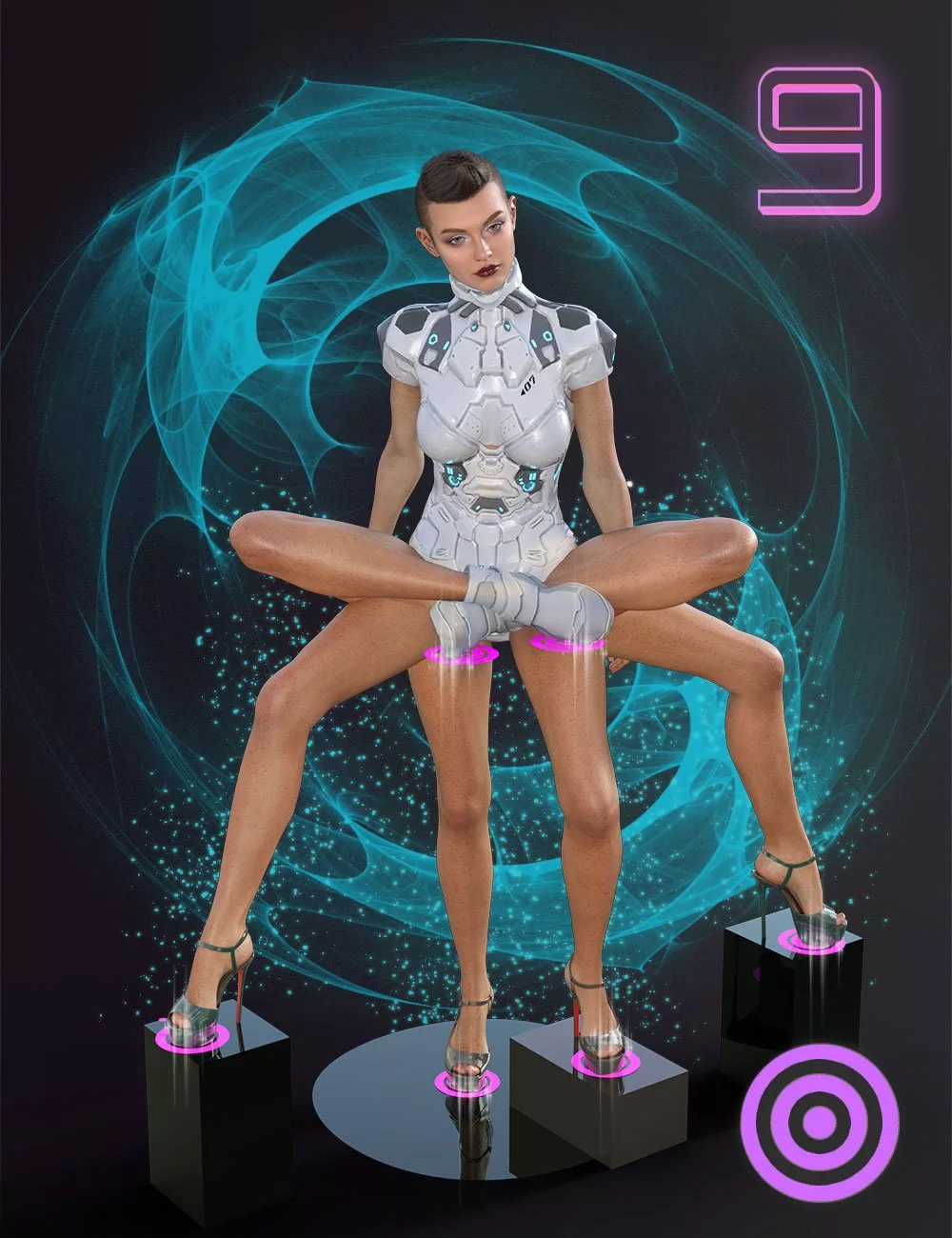
 Finally, you can use super easy and flexible autopose scripts for the legs of your Genesis 9 figures, allowing you to create and edit poses very quickly.
Face to Face Autopose Legs For Genesis 9 is a set of tools allowing you to automatically pose (autopose) the legs of a figure so that the selected faces of the foot, or of the shoes parented to the figure, reach a target in the scene, or try to reach it if it is too far. These targets can be loaded as props and placed anywhere you want, or created by scripts directly on the selected faces of any objects or figures in the scene. In order to save time, the selection of foot or shoe faces was made optional, allowing you to work with the toes as the reference location.
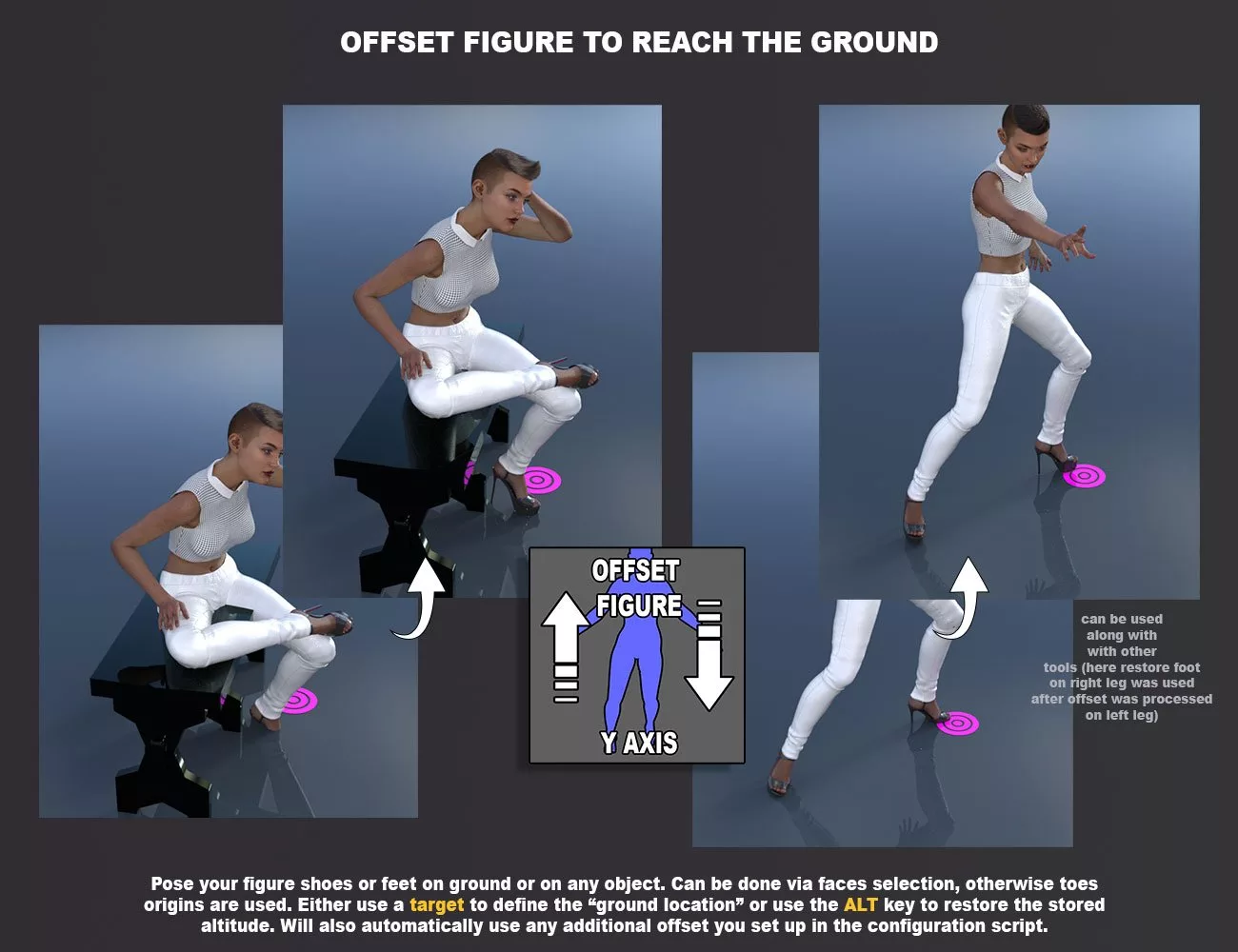
Do you need to place feet or shoes on the ground? Or under a balloon? Or on a chair? Or to stretch the leg in a given direction? Or do you simply want to adjust or create a pose with the foot in a given area of the scene? Simply create a target, select the faces on the foot or on a shoe, and launch the corresponding script. In order to save time, the face selection was made optional, and you can work simply by selecting one of the legs (foot, shin, or thigh). In this case, this leg will be posed so that the toe's origin reach or try to reach the target, and you can use an additional Y offset for their location if you want to compensate the foot and sole thickness.
The included tools make the usage of the scripts not only super easy but also super flexible. Whether you work with or without face selection, you just have to apply the autopose scripts: the leg to be posed will automatically be detected and its current pose will be adjusted so that the elements you want (selected faces or toes origin) reach the target of your choice. You don't like the result because, for instance, the thigh is too twisted? No worry, simply change the leg pose using a pose closer to your expectations and relaunch the script, a new pose will be calculated using your new initial leg pose.
If you have several targets in a scene, a dropdown list of these targets will allow you to choose which one you want to use. The autopose script comes with several options and complementary scripts for a complete suite of tools and an optimized workflow. Holding down specific keys when launching the script, you also have the ability to use only the altitude of a target, and/or to maintain the foot orientation during the process.
The "store" and "restore" scripts can be used standalone as a good complement to the autopose script. They allow you to store some specific data related to the feet heel morphs and feet angles with floor, in order to restore them at any time you want. The restore script also includes the possibility (optional) to restore the foot altitude. Finally, a script allows you to simply vertically offset the figure so that its feet reach the altitude you want (using faces selection or not, using a target or your stored data).
All those scripts can use an offset you can set up in two clicks in Convergence Settings. Furthermore, the autopose script uses a convergence process to reach its goal, convergence which is totally configurable by the user, handling both the speed and precision of the result. The default speed is configured as medium (3-7 seconds to converge) so that it is also compatible with old computers. Several convergence presets are available in the configuration script, from fast for people in a hurry to super slow in order to be able to adjust the figure while converging, but you can set up exactly the settings you want.
All the scripts were designed to support Genesis 9. For better efficiency, a utility allows you to install all the scripts directly in a menu or in a toolbar, which can be added and removed with two clicks using the menu.
Very intuitive and flexible, Face to Face Autopose Legs is a super-efficient tool to create from scratch or simply adjust the leg's poses automatically and very easily.
Face To Face Autopose Legs For Genesis 9: (.DUF)
Scripts:
V3DF2FG9L !Documentation
V3DF2FG9L 01 Convergence Settings
V3DF2FG9L 02 Activate Face Selection
V3DF2FG9L 03 Create Target
V3DF2FG9L 04 Store Feet Status
V3DF2FG9L 05 Restore Foot Floor Angles
V3DF2FG9L 06 Autopose Leg
V3DF2FG9L 07 Offset To Target
Props:
V3DF2FG9L Manual Target Plane
Download via QtyFiles Service - Face To Face Autopose Arms For Genesis 9
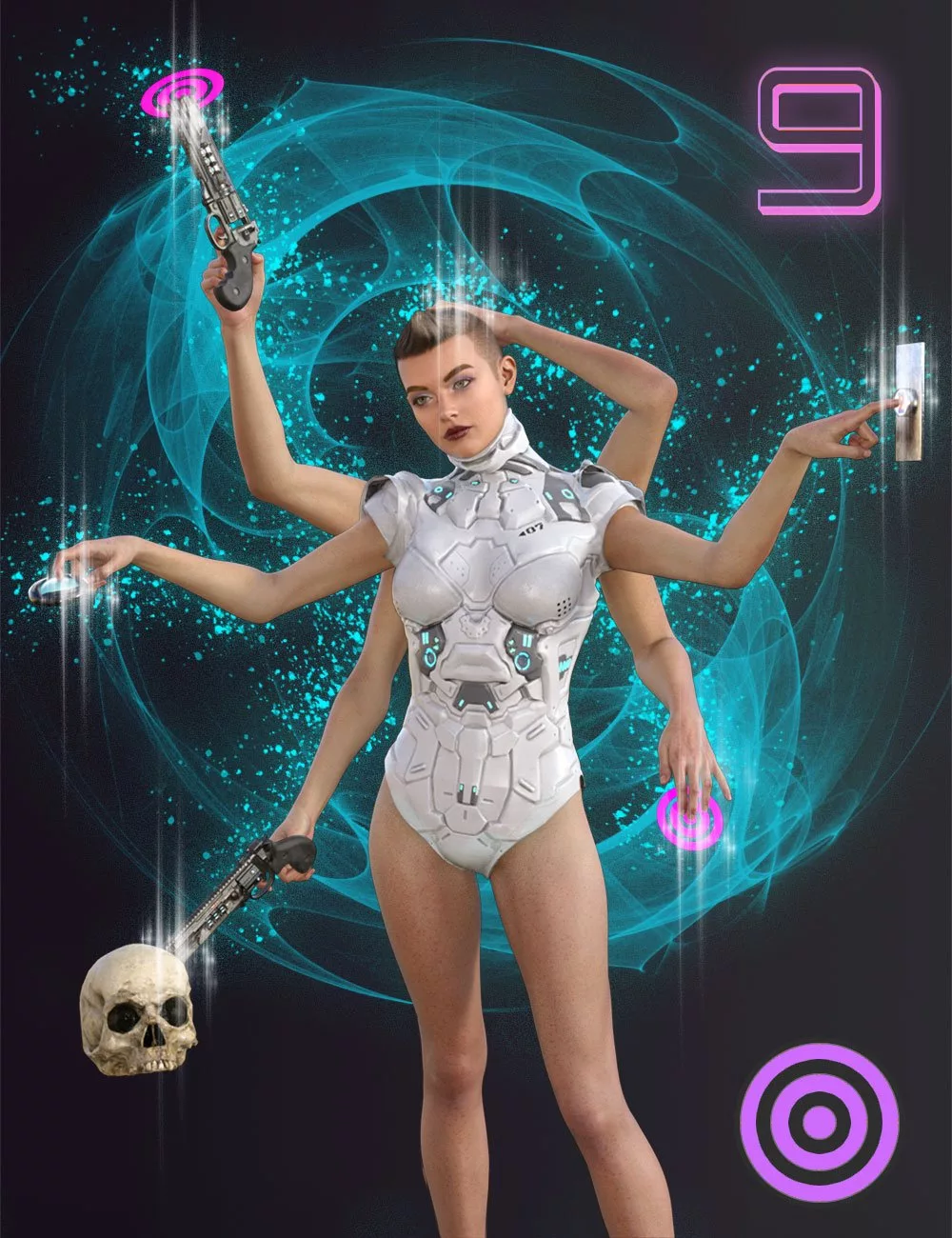
 Finally, you can use super easy and flexible autopose scripts for the arms of your Genesis 9 figures, allowing you both to create and edit poses or animations very quickly.
Face to Face Autopose Arms For Genesis 9 is a set of tools allowing you to automatically pose (autopose) the arms of your figure so that the selected faces of the hand, or of any prop parented to the hand, reach a target in the scene, or try to reach it if it is too far. These targets can be loaded as props and placed anywhere you want, or created by scripts directly on the faces of any objects or figures in the scene.
Do you need to place a finger on a button? Or the hand on a balloon? Or to place the tip of a gun on a head? Or to stretch the arm in a given direction? Or do you simply want to adjust or create a pose with the hand in a given area of the scene? Simply create a target, select the faces on the hand or on a prop parented to a hand, and launch the corresponding script.
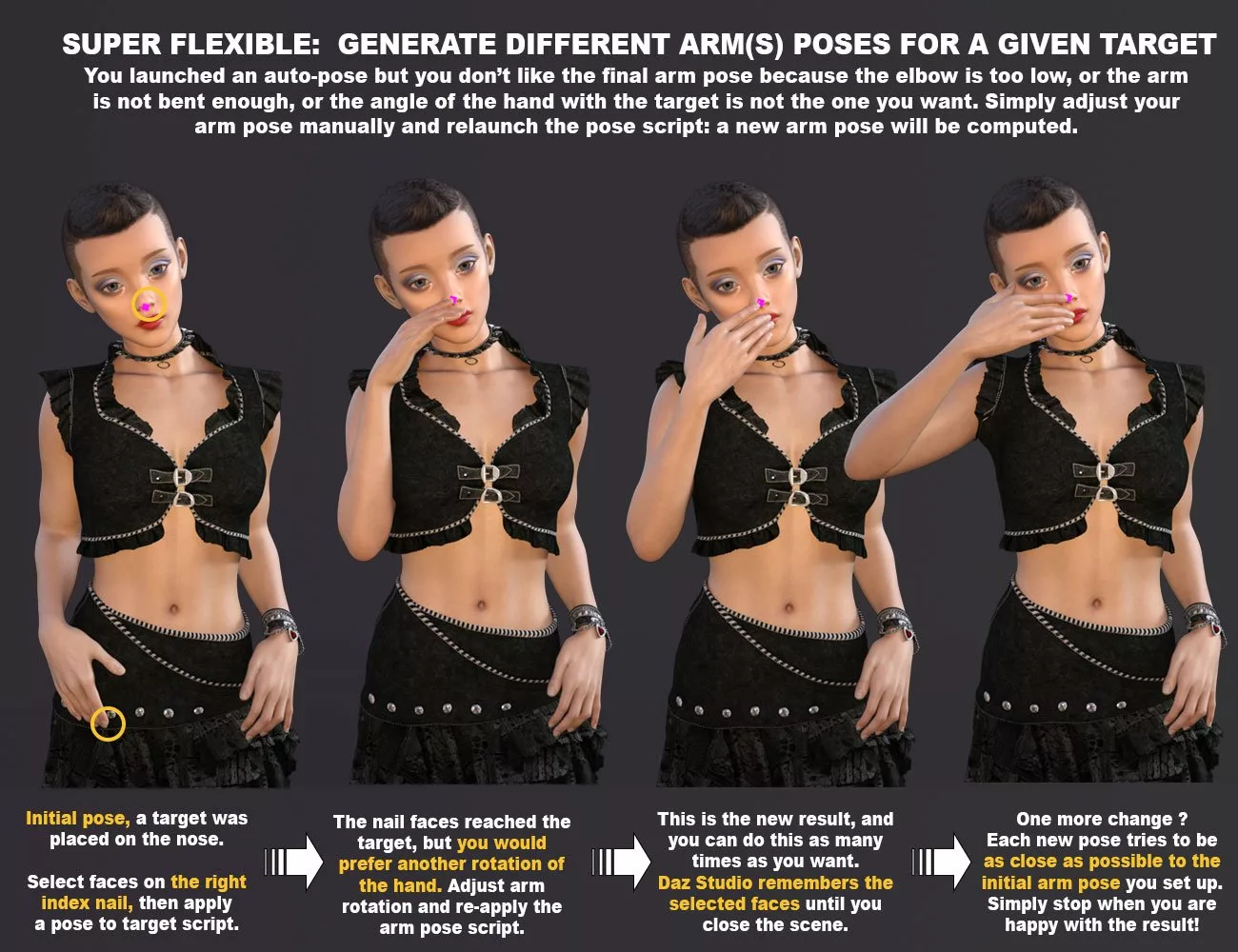
The included tools make the usage of the scripts not only super easy but also super flexible. Once the faces are selected on the hand, you just have to apply the autopose scripts: the arm to be posed will automatically be detected and its current pose will be adjusted so that the selected hand faces reach the target of your choice. You don’t like the result because, for instance, the collar is too twisted, the hand is not well orientated, or the elbow is too low? No worry, simply change the arm pose using a pose closer to your expectations and relaunch the script, a new pose will be calculated using your new initial arm pose.
The autopose scripts come in four versions. The Basic version only poses the arm when a face is selected anywhere on the hand. The Complete versions can pose all or several of the arms areas you want including the arm and/or the hand and/or the first bone and/or the second bones of a finger, either ascending (from finger to collar) or descending (from collar to finger), as long as a face is selected on a fingertip. Finally, the Child version poses the arm so that the selected faces on an object parented to the hand reach the target.
If you have several targets in a scene, a dropdown list of these targets will allow you to choose which one you want to use. Besides this case of figure, the only scripted interfaces are the “Animated” versions of the autopose scripts, allowing you to apply the autopose on the frame range you want with the frame step you set up.
All autopose scripts use a convergence process to reach their goal, convergence which is totally configurable by the user, handling both the speed and precision of the result. The default speed is configured as medium (1-3 seconds to converge) so that it is also compatible with old computers. Several convergence presets are available in the configuration script, from fast for people in a hurry to super slow in order to be able to adjust the figure while converging.
For better efficiency, a utility allows installing all the scripts directly in a menu or in a toolbar, which can be added and removed with two clicks using the menu.
Very intuitive and flexible, Face to Face Autopose Arms is a super-efficient tool to create from scratch or simply adjust the arms poses automatically and very easily.
You can refer to the following videos, made for previous generations, but the Genesis 9 version works exactly the same way.
Face To Face Autopose Arms For Genesis 9: (.DUF)
Scripts (.dse)
!Documentation
01 Convergence Settings
02 Activate Face Selection
03 Create Target
04 Pose Arms To Target BASIC
05 Pose Arms To Target COMPLETE DOWN
06 Pose Arms To Target COMPLETE UP
06 Pose Arms To Target COMPLETE UP
07 Pose CHILD To Target
08 Arms Animation Tools BASIC
09 Arms Animation Tools COMPLETE DOWN
10 Arms Animation Tools COMPLETE UP
11 Child To Target Animation Tools
Props:
Manual Target Plane
Download via QtyFiles Service